Add Background Music to Audio, With Auto Ducking Under Every Line
When you add background music to audio, stacking two tracks is the easy part. The tedious part is pulling the music down every time a line starts and bringing it back when it ends. This tool does that step for you: drop in a voiceover and a music track, and the music is ducked automatically from the voice's own loudness, lower while someone speaks and back up in the pauses. Music level, ducking depth, how fast it dips and recovers, intro and outro length are all adjustable, short music loops to fit, and the result exports as one stereo MP3 or WAV. Both files stay in your browser; nothing is uploaded.
- Music ducks under speech
- Intro · outro · fades
- Short music loops
- Nothing uploaded
Updated Nov 6, 2026Fact-checked Nov 6, 2026
Add background music
ON DEVICEAdd background music: two files, one listen, one export
Add the voice (MP3, WAV or M4A), then one music track; if the voice has subtitles, add its SRT too. Listen with the defaults first, then change the ducking depth if the music dips too little or too much.
How to add background music to a voiceover in five steps
To add background music to audio here, start by listening once with every default, then change one setting at a time. Each change can be previewed straight away, without exporting.
- 01
Step 1
Add the voice and the music
The voice can be a dub, a recording or a talking-head track; an instrumental is the easiest music to work with. MP3, WAV and M4A all work. One file can be up to 200 MB and 60 minutes (half that in a phone browser); what opens depends on the browser's own decoder, and formats like AMR or WMA usually don't.
Tip · Two clean, separate files work best. If the voice file already has music or heavy room noise in it, the ducking reacts to that as if it were speech and won't sit right; the tool warns you when the voice file's noise floor looks high.
- 02
Step 2
Set the overall music level
The music level is set relative to the voice: the tool measures the average loudness of the speech and of the music, and by default places the music 12 dB below the voice, so the starting point is the same however loud the music file was. This decides how loud the music is when nobody is talking, in the intro and long pauses, and goes from −36 to +6 dB; if even the intro feels loud, this is too high.
- 03
Step 3
Set ducking depth, dip and recovery
Ducking depth is how much further the music drops while someone speaks: −10 dB by default, down to −30 dB. Duck attack, the time the dip takes, is 150 ms by default and starts early: the whole file is processed offline, so the tool knows when the next line begins and the music is already down when it does. Duck release, the time the music takes to come back, is 600 ms by default; set it too short and the music pops up between lines.
- 04
Step 4
Add an intro, an outro and fades
The intro is how long the music plays before the first word (2 seconds by default), the outro how long it carries on after the last (3 seconds). Total length = intro + voice + outro. Shorter music loops by default, with a 1.5-second equal-power crossfade at each seam, or choose Play once to play it a single time and stop. Longer music is cut at the end of the outro. The music fades in over 1 second and out over 2.5 by default.
- 05
Step 5
Preview and export
Export a stereo MP3 (128, 160 or 192 kbps, 192 by default) or WAV. If the mix would peak above −1 dBFS, the whole mix is lowered so it never clips. An intro pushes the whole voice later by a few seconds, so an SRT you added is shifted by the same amount and downloaded with the audio, still in sync.
How auto ducking works, in numbers you can hear
When people say 'duck the music by 10 dB', how much quieter is that? Turn decibels into multipliers first and the settings stop being guesswork.
What the tool is doing
The tool slices the voice into very short blocks, measures each one and joins the values into a loudness envelope. Wherever the envelope is above a threshold, someone is speaking, and the music's gain moves down to the ducking depth; when the envelope falls away, the gain eases back. The whole gain curve is derived from the voice, so a different voiceover gives a different curve. Without auto ducking, this is the step where you draw volume keyframes under every line by hand, which is why most guides on how to add background music to audio spend so long on it.
Decibels as multipliers
| Level change | Waveform amplitude becomes | How it sounds (rule of thumb) |
|---|---|---|
| −3 dB | about 71% | a little quieter |
| −6 dB | 50% | clearly quieter |
| −10 dB | about 32% | roughly half as loud |
| −20 dB | 10% | roughly a quarter as loud |
Decibels add up. With the defaults, the music sits 12 dB below the voice, about 25% of its amplitude; under speech it ducks another 10 dB to 22 dB below the voice, about 8%. To make the music quieter under the voice, change the ducking depth; to make the intro and pauses quieter too, change the music level. They do different jobs, so adjust them separately.
Dip and recovery versus the gaps between lines
Dubs exported from the AI Drama Voice workshop leave exactly 0.35 seconds between lines. The tool holds the music down through gaps shorter than 250 ms, then lets it rise at the duck-release rate (linear in dB). With the default 600 ms, a 0.35-second gap lets the music rise at most 10 dB × 0.1 ÷ 0.6 ≈ 1.7 dB, which is barely audible; only pauses longer than about 0.85 seconds (0.25 + 0.6) bring it fully back. Set duck release to its 100 ms minimum and the same gap lets the music jump the full 10 dB and get pushed down again, which sounds like breathing, known in mixing as pumping.

Voice over background music: there's no magic ratio, only a test
Search for the ideal music-to-voice ratio and you'll find plenty of numbers with no source behind them. We couldn't find an agreed standard, so here is a way to judge and a starting point you can move.
Nobody can give you one number for how loud to add background music to audio, and the reason is simple. At the same −20 dB, a quiet piano and a full drum kit sound nothing alike, and the same track competes differently under a deep male voice than under a bright female one. When you add background music to a voice recording, the ratio only has to pass one test: a listener hears every word without effort.
Four practical checks
- Play it through a phone speaker. Most short videos are watched on phones, and what is clear in headphones may not be clear out loud.
- Listen to the quietest lines. Whispers and choked-up lines are the first to drown; if those are clear, the rest usually is.
- Prefer instrumentals. A song with vocals competes with dialogue for the same kind of sound, however deep the ducking.
- Busy drums and heavy bass need a lower overall level; a sparse bed of one or two instruments can sit a bit louder.
Workshop voices are already levelled
In MP3s exported from the AI Drama Voice workshop, every line is peak-levelled to about −1 dBFS, so lines are close in level and one ducking setting holds for the whole episode. If a recording from elsewhere jumps up and down, match its parts with the audio volume normalizer first, then add the music.
Added background music to audio and it drowns the voice? Six fixes
If the voice sounds muffled or thin after mixing, work out first whether the music is too loud overall, not ducked enough under speech, or simply clashing with the voice.
Still busy under speech
Take the ducking depth from −10 dB to −14 or −16 dB. It only acts while someone is speaking, so the intro and pauses stay as they are.
Loud from start to finish
Lower the overall music level. If even the intro is too loud, the problem is the level, not the ducking.
Soft openings get swallowed
Whispers and sighs at the start of a line can sit below the voice-detection threshold, so the music isn't fully down yet. Lengthen the duck attack so the music starts moving earlier, and for a whisper-heavy piece deepen the ducking a little.
Music pumps between lines
Lengthen the duck release so the music doesn't pop up in short gaps.
The voice file isn't clean
Ducking follows the voice's loudness, so air-conditioning hum, music or another speaker in the voice file is treated as speech too, and the tool flags a high noise floor. Use a clean voice file, and shorten long dead air first with remove silence from audio.
You can hear the loop seam
Pick a track longer than the voice, or shorten the intro and outro so it doesn't need to loop. If it must loop, choose music whose end flows back into its start.
Music licensing: the tool mixes, you clear the rights
This is not legal advice, just a clear line on responsibility. This tool supplies no music and does not check whether you're allowed to use what you add. Whose music you use, and whether you may publish it or use it commercially, is up to you.
'Free to download' and 'free for commercial use' are different things. Plenty of sites let you stream and download music for free under a licence that only covers personal listening, and most short dramas, story channels and product videos count as commercial use. For every track you add, you should be able to say where it came from and under what licence.
Licences you'll run into
| Licence | Roughly means | Watch out for |
|---|---|---|
| CC0 / public domain | Rights waived, free to use | Check the uploader really is the author |
| CC BY | Free to use, commercial included | Credit as required: author, title, licence |
| Anything with NC | No commercial use | Skip it for commercial dramas, ads and product videos |
| Anything with ND | No adaptations | Syncing music to video counts as adapting it, so not for a music bed |
| Platform or paid libraries | Whatever the platform terms or contract say | Check whether it may leave the platform and appear in commercial work |
Video platforms generally run automatic copyright matching, YouTube's Content ID for example; when it matches protected music, a video can be claimed, restricted or muted. For every track you use, keep the source link and a screenshot of the licence page so you can answer questions later, and when in doubt ask the rights holder. More free audio tools are on the free tools page.

Frequently asked questions
There's no agreed ratio; the test is that every word stays clear. Start from the tool's defaults, music 12 dB below the voice and ducked a further 10 dB under speech, and play the quietest lines on a phone speaker. If they're hard to follow, deepen the ducking to around −14 dB; if even the intro is loud, lower the music level.
First decide whether it drowns the voice only during speech or the whole way through. During speech, deepen the ducking; all the way through, lower the overall level; only at the start of each line, lengthen the duck attack so the dip starts earlier. Swapping a song with vocals for an instrumental often helps more than any setting.
By default the tool loops it, with a 1.5-second equal-power crossfade at each seam so there's no click or gap; choose Play once instead and it plays a single time and stops. Looping repeats the melody, so for longer pieces a track longer than the voice sounds better. Music longer than intro + voice + outro is cut to that length and faded out.
Only at the start, yes: choose Play once, use a short track and set an intro; the music plays once, stops, and fades out as set. Music at both ends with none at all in the middle is beyond this tool. The closest you can get is −30 dB of ducking, about 3% of the amplitude under speech and barely audible, though it still returns in long pauses. For a truly silent middle, cut the music into two parts in a video editor.
Yes. An intro moves the whole voice later by a few seconds; add the voice's SRT and every cue is shifted by the same amount and downloaded with the mix. To move a subtitle file you already exported, shift it with the SRT time shift tool.
No. When you add background music to audio with this tool, decoding, the loudness envelope, the mix and the MP3 encoding all happen in your browser, so neither the voice nor the music leaves your computer or phone, and closing the tab clears them. No AI, no credits and no sign-in either.
It depends on that track's licence. CC0 and CC BY generally allow commercial use, NC licences forbid it and ND licences forbid adaptations; platform and paid libraries follow their own terms. This tool supplies no music and checks no licences, so clearing the rights is up to you; when unsure, ask the rights holder.








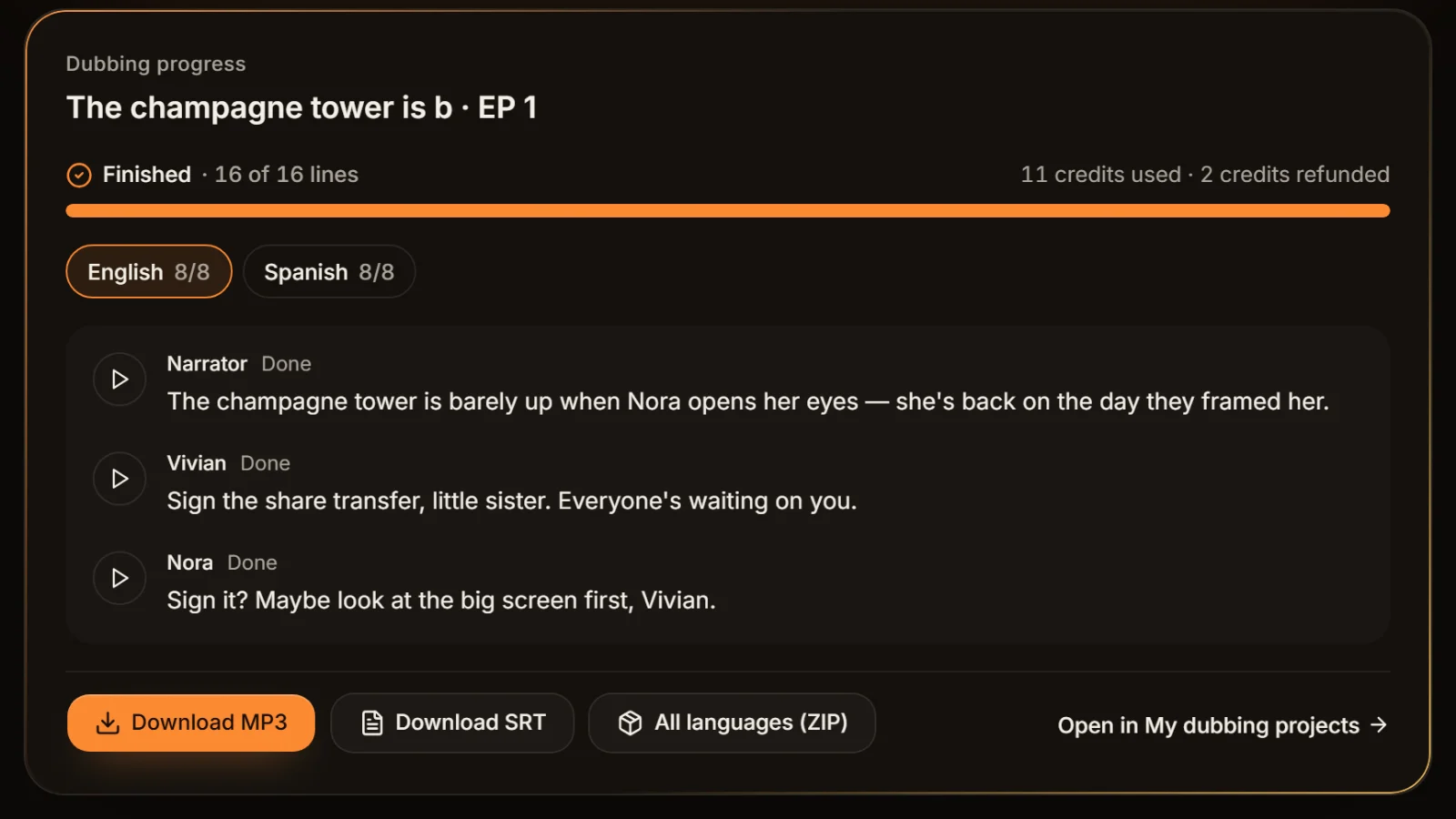
No voice yet? Dub it first Voice first, music second.
Paste a script, let AI cast and dub it line by line, export a voice-only MP3 + SRT, then come back here to add the music. Cast analysis is free.
Billed by characters generated · Failed runs refunded automatically · Alipay, WeChat Pay and cards