Merge MP3 Files Into One, With the SRT Timelines Joined Too
When you merge MP3 files, the hard part is not putting the sound end to end; it is keeping the subtitles in step. Every line of part two has to move later by the length of part one plus the gap, part three by both earlier parts, and so on down the list. Drop your dubs or recordings into the tool below. They sort by file name the way people count (Episode 2 before Episode 10), and you can drag them into another order. Give each part its own SRT and the tool shifts each one by the running total, then writes one MP3, one complete subtitle file and a list of every length. It all runs in your browser; nothing is uploaded.
- 2–50 parts
- Natural sort + drag
- Gaps or crossfades
- SRTs shifted for you
Updated Nov 6, 2026Fact-checked Nov 6, 2026
Merge MP3
ON DEVICEMerge MP3 files: drop the parts, attach their subtitles
Add 2 to 50 audio files (up to 3 hours in total); each can carry one SRT. The list shows every length and the total. Fix the order, set the gaps, then merge.
How to merge MP3 files and their subtitles in five steps
No editing software and no lining up timecodes by hand. Put each audio file next to its subtitle file first, with a number in the name; sorting is then trivial.
- 01
Step 1
Add the audio and attach each SRT
Drop in 2 to 50 files, up to 3 hours in total; MP3, WAV and M4A all work. To merge the subtitles as well, give each part its own subtitle file (SRT, VTT, ASS and LRC all read): a file with the same name as the audio (episode-01.mp3 + episode-01.srt) pairs up automatically, or attach one per row by hand. Never mix in another episode's subtitles.
- 02
Step 2
Check the order
The list sorts file names naturally: Episode 2 before Episode 10, EP2 before EP10. Drag anything that is out of place. Every part's length and the total are listed and can be copied in one click, which also makes the tool a quick way to check audio duration in bulk.
- 03
Step 3
Set a gap or a crossfade
A gap inserts silence between two parts (0.5 s by default). A crossfade overlaps the end of one part with the start of the next, fading one out as the other fades in. Both can be set from 0 to 10 seconds. Speech usually wants gaps; continuous music or ambience joins more smoothly with a crossfade.
Tip · AI Drama Voice dubs end the moment the last line does, with no silence after it, so join them with gaps.
- 04
Step 4
Pick the output and merge
Write MP3 at the bitrate you choose, or WAV. Every part is brought to the sample rate you pick (44.1 or 48 kHz, 44.1 by default), resampling where needed; if every part is mono the result is mono, and one stereo part makes the whole result stereo. Parts are decoded and encoded one at a time, never all loaded at once.
- 05
Step 5
Download and spot-check the seams
The merged audio and the merged subtitles download separately; whatever format the subtitles came in, the result is one SRT. Open the SRT, find the first line of part two, jump there in a player and listen; then check the last part. If both line up, everything in between does too.
How subtitles stay in sync after you merge MP3 files
Merging SRT files is not pasting the text end to end; do that and part two's subtitles all restart at zero, on top of part one. Each part's subtitles have to move as a block, by the length of everything that plays before them.
Offset = every earlier part + every earlier gap
Part 1 stays put. Part k moves by the summed length of parts 1 to k−1 plus all the gaps between them; with crossfades, subtract the overlap at each seam. The merged length works the same way: add up every part, then add every gap or subtract every overlap. Here are three episodes worked through.
| Part | Length | Offset with 1 s gaps | Offset with 0.5 s crossfades |
|---|---|---|---|
| episode-01.mp3 | 2:13.480 | 0:00.000 | 0:00.000 |
| episode-02.mp3 | 1:58.210 | 2:14.480 | 2:12.980 |
| episode-03.mp3 | 2:21.905 | 4:13.690 | 4:10.690 |
| Merged length | — | 6:35.595 | 6:32.595 |
On a single cue: episode 2's first line, 00:00:00,350 --> 00:00:03,020, shifted by 2:14.480 for a 1-second gap, becomes 00:02:14,830 --> 00:02:17,500. By hand you would run each episode through an SRT time shift with its own offset and then paste the files together. Three episodes is fine; thirty is where a digit slips.
What happens to subtitles in a crossfade
A crossfade overlaps the two parts at the seam (an equal-power fade, never longer than half the shorter neighbour), so the later part, and its subtitles, start earlier by the overlap. If one part's last cue is still on screen when the next part's first cue begins, the tool ends the earlier cue where the later one starts, so two lines never show at once, and tells you how many cues it shortened; the voices themselves still play on top of each other. Keep speech out of the overlap: use a gap, or keep the crossfade shorter than the silence at the end of one part and the start of the next. Cues that run past the end of their own part's audio are cut at that point, and cues that start after it are dropped; those counts are reported too.
Why each seam picks up a few milliseconds
An MP3 encoder adds a delay at the start of the file and pads the end to a whole frame. According to LAME's technical FAQ, the encoder delay is 576 samples and the decoder delay 528, roughly 1,100 samples or about 25 ms at 44.1 kHz; at the end it appends 288 samples and fills the last frame out to 1,152. Players that read LAME's info header strip the leading part; others play it. Decode several MP3s and lay them end to end, and each seam may gain a few tens of milliseconds of silence. Between dubbed lines, which already have pauses, no one hears it; with continuous music, a crossfade covers it. The tool computes offsets from the decoded length, so the merged subtitles match the merged audio.
Why not just glue the MP3 files together?
An MP3 frame's data is not stored entirely inside that frame; the encoder borrows spare room in earlier frames (the bit reservoir). The same LAME FAQ is blunt about it: cut or join a stream on a frame boundary and the frame at the seam is almost always damaged, and files with different bitrates or sample rates can confuse a player's duration. Each file's ID3 tag would also end up stuck in the middle. So this tool decodes everything and encodes it once: one more round of lossy encoding in exchange for one clean file with an accurate length. If you will keep editing, write WAV.

When to merge MP3 files into one, and when not to
Merge when someone needs to hear it in one go or receive it as one delivery. If the next platform takes one file per episode, keep the episode files.
| Situation | Merge? | Why |
|---|---|---|
| Sending a full season for review | Yes | One file plays start to finish, subtitles follow, notes come back with timecodes |
| A compilation, trailer or demo reel | Yes | Several episodes or best lines in one track, ready for music |
| Uploading to a podcast host | Usually no | Podcasts publish episode by episode, one audio file each |
| Uploading to an audiobook platform | Follow its rules | ACX, for example, wants one chapter or section per file and no file longer than 120 minutes |
| Editing a vertical drama in CapCut | Your call | One project per episode: keep them apart; a long compilation: merge first and import the subtitles once |
Natural sort: why Episode 10 lands before Episode 2
Default sorting compares names one character at a time. “Episode 10” and “Episode 2” match up to the space, then it is 1 against 2, and 1 is smaller, so Episode 10 goes first. Natural sorting reads a run of digits as one number, so episodes 1 to 9 come before 10 as you would expect; this tool also reads Chinese numerals after 第, so 第二集, 第十集 and 第十一集 sort as 2, 10 and 11. The safest naming is still zero padding: Episode 01, Episode 02 … Episode 10, which no software can sort wrongly.
Checking audio duration in bulk
The duration list copies in one click as tab-separated columns (number, file name, start in the merged file, length) with the total on the last line, so it drops straight into Excel or Google Sheets: check which episodes run long, estimate a season's total, write review notes against each start time. If you only want the lengths, drop the files in, copy, and close the tab.
Why parts are processed one at a time
Decoded audio sits in memory as 32-bit floating-point samples: one hour at 44.1 kHz mono is about 635 MB, and stereo is double. Load three hours at once and phones, and plenty of laptops, will crash the tab. So the tool decodes, encodes and writes one part at a time and keeps only the current part in memory.
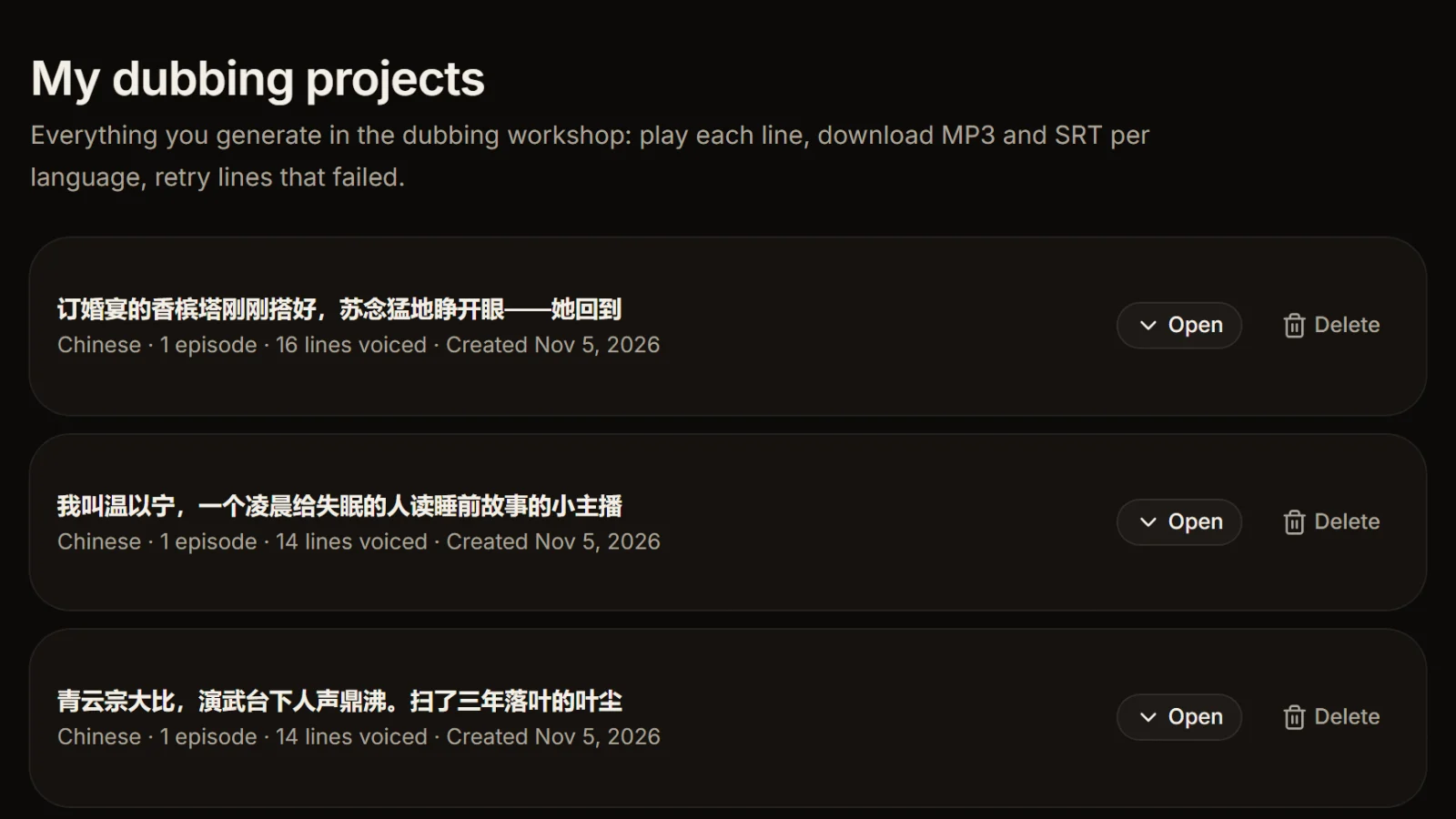
Merging AI Drama Voice episode exports: six things to know
The workshop's MP3 and SRT come out of the same render, so each cue is exactly where its line sits in the MP3. Keep these points in mind when you join episodes.
Use gaps, not crossfades
Each exported episode ends the moment its last line does, with no silence after it. A crossfade would fade out that last word, so join with gaps.
Each episode already starts with 0.35 s
The export leaves about 0.35 s before every line, the first one included. With the default 0.5 s gap, one episode's last line and the next episode's first line end up about 0.85 s apart; for roughly one second, set the gap to 0.7 s.
One language per merge
English audio goes with English subtitles, Thai with Thai; each language's timecodes follow its own dub. For two languages on screen at once, use bilingual subtitles, which stacks them instead of chaining them.
The AI label doesn't carry over
Exported MP3s carry an ID3 TXXX:AIGC frame, a machine-readable AI-generated label. A merged file doesn't keep the source tags, so add the explicit label your platform asks for when you publish; see AI content labels.
Even out loudness first
Merging doesn't touch volume. If episodes or languages sound louder or quieter than each other, normalize audio volume first, then merge.
Going the other way
The reverse job, cutting a long track into one file per subtitle line, is split audio by subtitles.
Frequently asked questions
Drop them into this tool, check the order (natural file-name sort, drag to change it), set gaps or crossfades and merge; you download one MP3. To merge MP3 files this way you need no software and no account, because everything runs in the browser.
It adds one round of lossy encoding, which is usually inaudible at a sensible bitrate. The tool decodes each part and encodes the result once to get a clean file with an accurate length; if you will edit further, choose WAV and avoid another MP3 generation.
Yes. Insert a fixed gap of silence between parts, or overlap them with a crossfade instead. Speech sounds more natural with gaps, and for AI Drama Voice dubs gaps are the right choice because each episode ends without trailing silence.
Yes, and that is what sets this apart from a plain audio joiner. Attach each part's subtitles (SRT, VTT, ASS or LRC; same-named files pair up automatically) and every part's cues move by the length of all earlier parts plus the gaps, producing one complete SRT; crossfade overlaps are subtracted.
Yes. Every file is resampled to the 44.1 or 48 kHz you pick (44.1 by default) before they are joined. All-mono input gives a mono result, and one stereo part makes the whole result stereo, so there is nothing to convert beforehand.
2 to 50 parts per run, up to 3 hours in total, with each file up to 200 MB and 60 minutes (half that on phones). For longer material, merge in batches and then merge the results.
No. Audio and subtitles are read by the browser, and decoding, joining, encoding and downloading all happen on your device. No AI, no credits and no sign-in.








Good episode dubs make merging painless Every episode, its own timed SRT.
Paste a Chinese episode script: AI casts the characters, dubs it line by line and keeps the same cast across 8 languages, with an MP3 and a timed SRT per episode. Cast analysis is free.
Billed by characters generated · Failed runs refunded automatically · Alipay, WeChat Pay and cards