How to make a meme animation: script, voices, assets, animation, edit
How to make a meme animation comes down to five steps: write a short script with a twist, give every character a voice, prepare character and background art, animate to the rhythm of the voices, then edit in subtitles and sound effects and publish. This guide goes through them in that order, with the kind of software each step needs, the file it hands on and where the time actually goes. In Chinese these goofy cartoons are called “shadiao” (沙雕) animations. One thing up front: AI Drama Voice only handles step two, the voices; the animation itself is made in an animation app.
- 5 steps
- 12-line script template
- Asset rights checklist
Updated Nov 5, 2026Fact-checked Nov 5, 2026
Sample B · The sweeper who shook the sect
English · Script excerpt · 5 characters
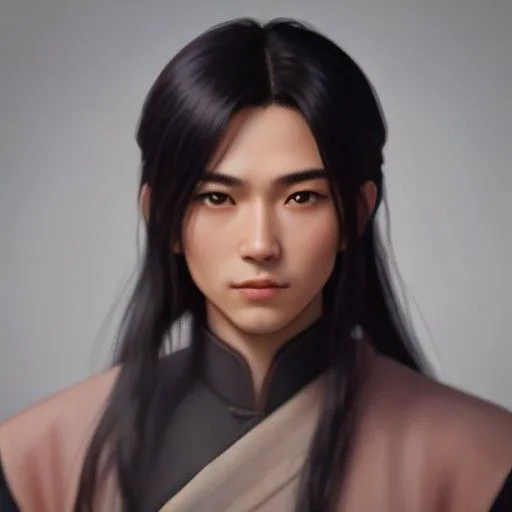
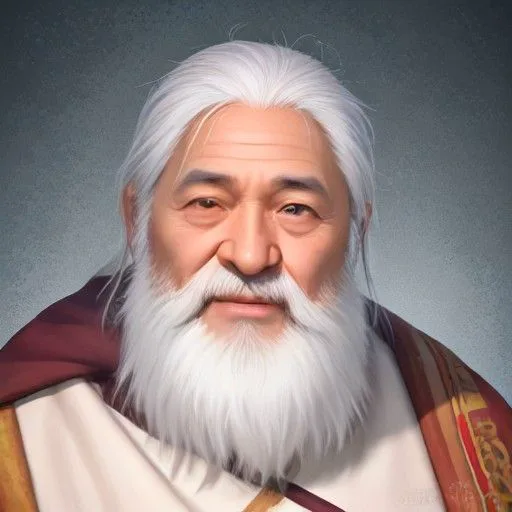
Narrator
The Azure Cloud Sect tournament roars around the arena. Ye Chen, who swept leaves for three years, steps up with a bamboo sword.

Xiao LingSarcastic
A yard sweeper thinks he can stand against me?

YunyaoWhisper
Brother Ye, don't push it... he's the best in the inner sect.

Ye ChenCalm
Three years of sweeping. I only practiced one strike.
On this page
How to make a meme animation in five steps
Stick to this order the first time, especially “voices first, animation second”. It saves a lot of rework.
- 01
Step 1
Script: about a minute, one twist
Keep the first episode short: around a minute, three or four characters and one complete setup → twist → payoff. Write the lines as “Name: line”, one per row, so the script can go straight into voicing.
Tip · Read the script aloud to yourself. If a line isn't funny when you say it, it won't be funny voiced either.
- 02
Step 2
Voices: one per character
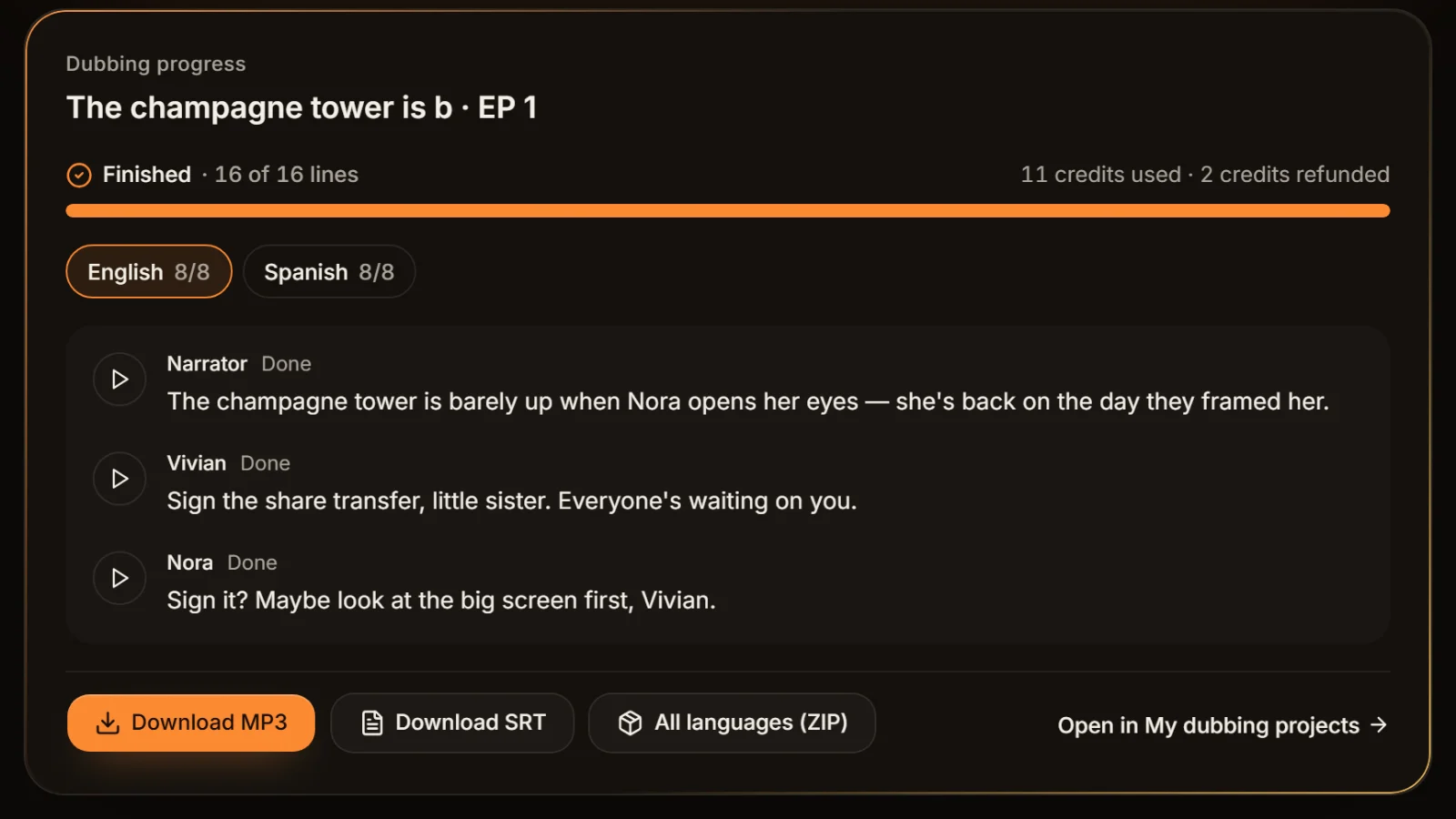
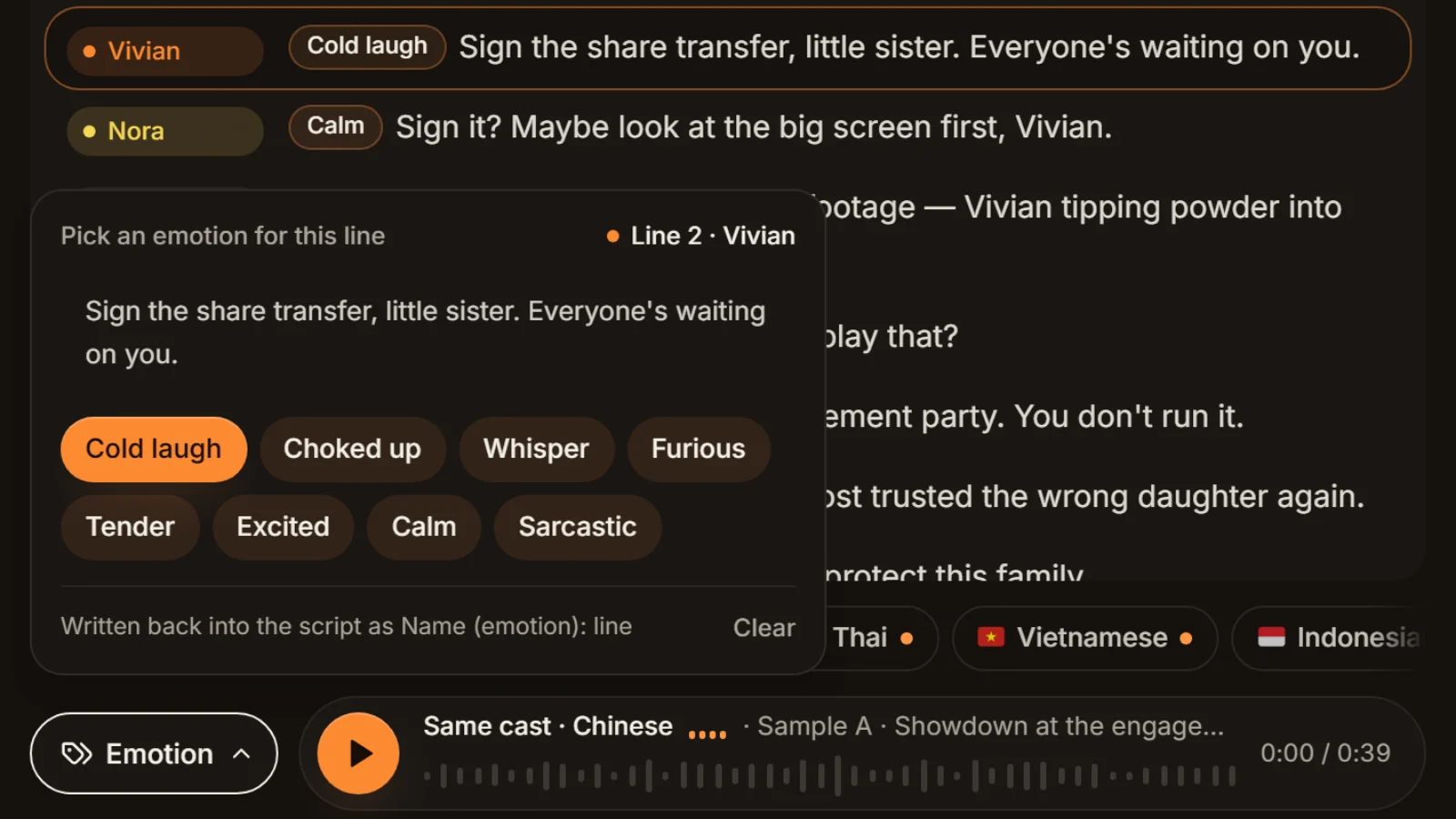
Paste the script into the workshop and voices are assigned per character: narrator, system, hero and villain each get their own. Tag lines cold laugh, furious, sarcastic and so on, then export an MP3 and a line-timed SRT. Details in meme animation voiceover.
Tip · This step hands on two files: the episode MP3 and the SRT subtitles.

One voice per character: narrator, system, hero and villain each voiced separately.Image: Irina Iriser / Pexels - 03
Step 3
Assets: characters, expressions, backgrounds
List the expressions each character needs (neutral, angry, shocked, smug) and one background per scene. Split characters into layers such as head, body and mouth; movement and mouth shapes get much easier later.
- 04
Step 4
Animation: time shots to the audio
Drop the MP3 onto your animation app's timeline and cut shots, swap expressions and add moves line by line. Meme animation motion doesn't need to be fancy: a hop, a shake, a sudden zoom, landed on the rhythm of the line, is already funny.
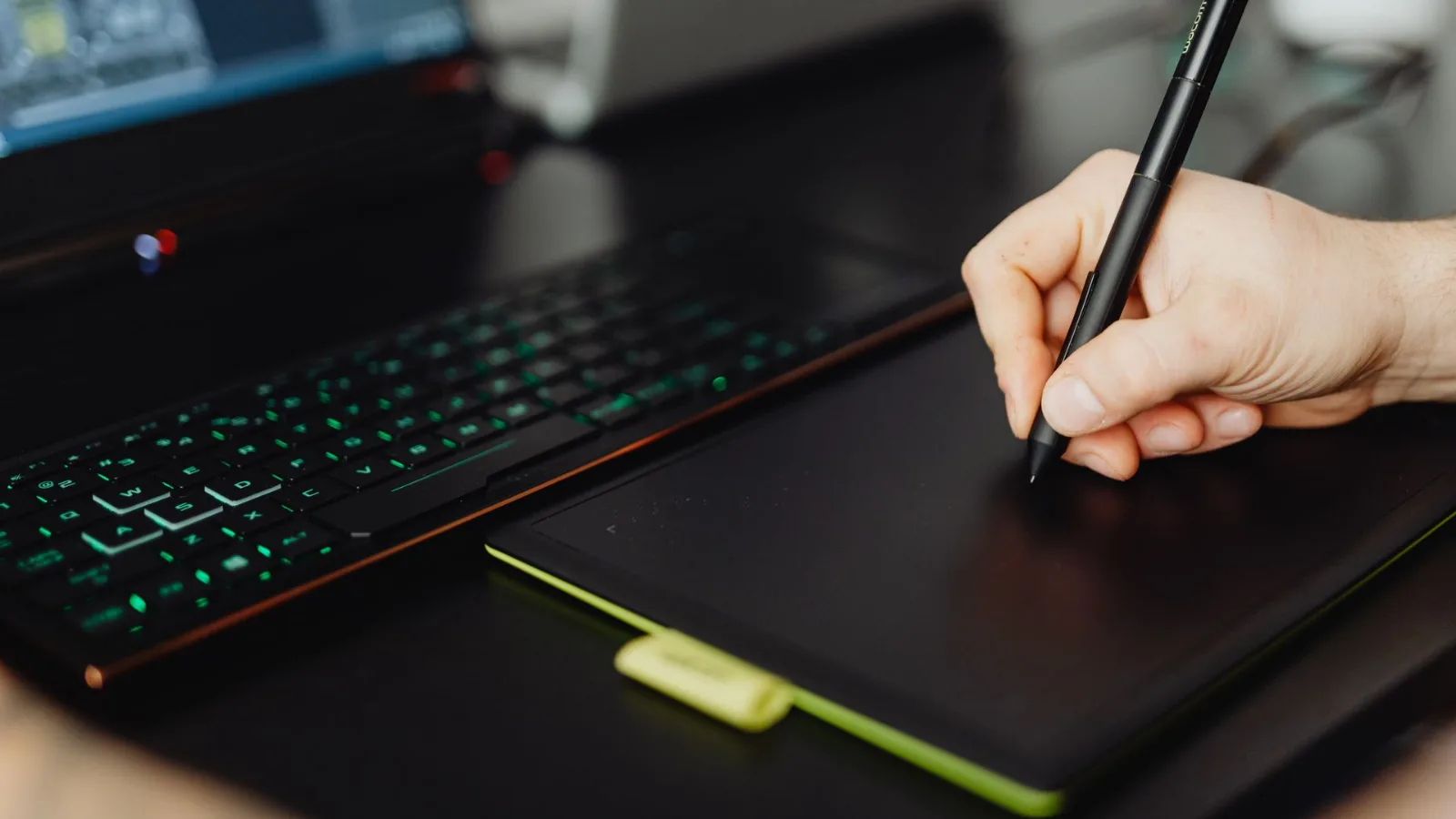
Animate to the voice track: simple moves landed on the rhythm of the line are already funny.Image: kaboompics.com (@karola-g) / Pexels - 05
Step 5
Edit and publish: subtitles, effects, cover
Import the animation into an editor such as CapCut, use the SRT as subtitles, add the dings and bonks and background music, make a cover and a title, label AI-generated content as the platform requires, and post.
What software to make meme animations with, step by step
No single app does the whole comedy animation workflow. Below are tool types only; which product you pick depends on whether you work on a computer or a phone and what you're used to.
| Step | Tool type | File it hands on | Time mostly goes into |
|---|---|---|---|
| Script | Any text editor or notes app | TXT script (Name: line) | Finding and polishing jokes |
| Voices | A multi-character AI voice tool such as AI Drama Voice, or your own recording | Episode MP3 + SRT subtitles | Choosing voices, tuning emotions |
| Assets | A drawing app, or an animation tool with a character library | Layered PNG characters, background images | Drawing characters and expressions |
| Animation | Template-based animation software, a phone animation app, or an editor with keyframes | Animated video (MP4) | Posing and mouth shapes; usually the longest step |
| Edit and publish | A video editor such as CapCut | Final MP4 + cover | Subtitle line breaks, sound effects |
Three ways to animate, and how to choose
- Template-based animation software: built-in characters, moves and scenes you drag into place. The fastest to learn, but your characters may look like everyone else's.
- Phone animation apps: made for vertical shorts on the phone. Fewer features, but enough for a daily channel.
- Editor plus keyframes: import your own character drawings into a video editor and animate position, scale and rotation with keyframes. Unique characters, but every move is done by hand.
Whichever you choose, mouths can stay simple. The usual meme-animation trick is two drawings, mouth open and mouth closed, flipped back and forth while a character talks and closed when they don't; plenty of channels don't move the mouth at all and let expressions and motion carry it. Some animation apps can generate mouth shapes from audio; check how well they handle Chinese before relying on it.
Where AI Drama Voice fits in
It does: multi-character voices, per-line emotion, MP3 and SRT export, foreign-language versions of the same episode. It doesn't: animation, lip sync, sound effects or music. Those happen in your animation and editing apps.
How to write a meme animation script: a 12-line template
One formula covers most of it: an ordinary start, an absurd middle, an even more absurd ending. Here is a 12-line office comedy we wrote as a template you can reuse.
| # | Beat | What to write | Sample line |
|---|---|---|---|
| 1 | Opening gag | One line on who the hero is and why his life is bad | Narrator: Day three at the new job, and Danny has already been called out by the boss fourteen times. |
| 2 | Persona | The hero digs his own hole so we get to know him | Danny: I'm not slacking off. I'm thinking about the future of slacking. |
| 3 | Conflict | Trouble shows up | Boss (cold laugh): Done thinking? The proposal is due tomorrow morning. |
| 4 | Reaction | The hero overreacts | Danny (excited): Tomorrow morning? It's eleven at night! |
| 5 | Helper arrives | Bring in an unreliable sidekick | Narrator: Right then, his computer switches itself on. |
| 6 | Helper premise | The more absurd the setup, the better | Computer (calm): Hello. I am the company's built-in slacking assistant. |
| 7 | First punchline | The helper offers a ridiculous fix | Computer (calm): Optimal plan generated: resign. |
| 8 | Roast | The narrator or a side character piles on | Narrator (sarcastic): Great. Even the computer is more decisive than he is. |
| 9 | Escalation | Make things worse | Boss (furious): Danny! Why is your computer talking?! |
| 10 | Twist | The situation flips | Computer (excited): Boss detected. Switching modes. Good evening, sir, he's been working late all night! |
| 11 | Fallout | The villain is caught off guard | Boss (tender): …Oh? Well, uh, get some rest. |
| 12 | Closer | End on a hook | Danny (whisper): Wait. Did you just send my resignation letter? |
The template hinges on lines 6 and 10: a helper with an absurd premise, and a twist that wrong-foots the villain. Land a joke every two or three lines, keep lines short and split anything that runs long. Don't spend the whole joke in the last line; leave a hook the next episode can pick up.
Write the script so it's ready for voicing
- One name per character for the whole script. Voice tools split roles by name, so “Danny” and “Dan” become two people.
- Put emotions in brackets after the name, as in “Boss (cold laugh):”; they apply when voicing.
- Non-human characters such as “System” or “Computer” get a name too, so they get a voice of their own.
- Write vocal noises into the line, like “tsk” or “huh?”, and they get spoken; save chimes like a “ding” for sound effects in the edit.
Want the formatting rules in full?
See short-drama script format and how to write a comic drama script; the same rules work for meme animations.
Can you use any meme or image in a meme animation?
No. Being able to find something online doesn't make it free to use, and assets are where meme animations most often get into trouble.
- Memes and reaction images: many are photos of real people, film stills or someone else's original character, which brings in portrait rights and copyright. Using them as characters is the riskiest move.
- Anime and game characters: turning them into your own cast without permission uses someone else's work. Never use them for product promotion or ads.
- Asset libraries: check whether the licence says personal use or commercial use, whether credit is required, and whether you may modify the asset.
- Music and sound effects: these need a licence too, and tracks from a platform's library usually have to be used under that platform's rules.
The low-stress route is drawing the characters yourself, even as stick figures, or using only assets whose licence clearly allows commercial use. If the voices are AI-generated, check the voice tool's terms as well: see can AI voiceovers be used commercially, and does AI voiceover get suppressed if you're worried about reach.
Note
These are common-sense pointers, not legal advice; whether a given asset can be used depends on its licence terms.
Six beginner mistakes in a comedy animation workflow
Animating first, voicing later
Animate first and the lines won't fit the picture, so you keep reworking the animation. Voice first and let the picture follow the sound.
A first episode that's too long
Aim for three minutes on day one and it may never get finished. Make one minute, get the workflow running, then go longer.
One voice for every character
With several characters on one voice, viewers can't tell who's talking. Give each character its own voice, and the narrator one more.
Too much text on screen
Subtitles that don't fit a vertical frame need line breaks; for how many characters fit, see subtitle characters per line.
Effects drowning the punchline
Keep music and effects clearly below the voices, especially on the punchline.
Forgetting the AI label
If you used AI voices or AI visuals, switch on the AI-generated content label your platform requires; see how to label AI-generated content.
Frequently asked questions
In five steps: script, voices, assets, animation, edit and publish. Beginners should voice the script before animating, so the picture follows the rhythm of the audio and needs the least rework.
Each step uses a different tool: any text app for the script; a multi-character AI voice tool, or your own recording, for voices; template-based animation software, a phone animation app or an editor's keyframes for the picture; and an editor such as CapCut for subtitles and effects. No single app does it all.
About a minute, three or four characters, one twist. Follow opening gag → conflict → absurd helper → escalation → twist → closer, keep lines short with a joke every two or three lines, and write “Name: line”, one per row.
It depends on length, number of shots and how you animate, so there's no fixed answer. Most of the time usually goes into animation; with an AI voice tool, voicing is mostly waiting for generation. Keep the first episode to about a minute and get the workflow running.
No. Memes, reaction images, film stills and anime characters are mostly protected by copyright or portrait rights, and commercial use raises the risk. Drawing your own, or using a library licensed for commercial use, is safest.
Record them yourself or use AI. With AI Drama Voice, paste the script into the workshop as “Name: line”; each character is assigned a voice automatically, you tag emotions per line, and you export MP3 and SRT. More in meme animation voiceover.





Script done? Give it voices first Voice first, animate second.
Paste the script, every character gets a voice, and the MP3 and SRT are ready before you start animating.
Billed by characters generated · Failed runs refunded automatically · Alipay, WeChat Pay and cards