
Midnight Radio
Velvet · narrator
● Narrator · modern / thriller
Close-mic and unhurried; ideal for late-night narration that gets quieter as the tension builds.
NarratorsMale9 languages
The slowest part of making an AI radio drama used to be the cast: recruiting voice actors, running auditions, chasing schedules and waiting for raw takes. Paste your script into AI Drama Voice and it lists the narrator and every character, gives each one a voice, and performs the dialogue line by line with emotion. You get the whole episode as an MP3 plus a line-accurate SRT. Music, sound effects and the final mix stay in your audio editor, and this page is honest about where that line sits.
Updated Nov 5, 2026Fact-checked Nov 5, 2026
Classical · Three Visits to the Thatched Cottage (excerpt)
Chinese · Script excerpt · 4 characters
Liu BeiExcited
今番侥幸,得见先生矣!
What luck, today I shall finally meet the master!

StorytellerCalm
张飞曰:
Zhang Fei said:

Zhang FeiFurious
此人无礼!便引我等到庄也不妨!何故竟自去了!
How rude! He could at least have led us to the farm. Why just walk off?
StorytellerCalm
玄德曰:
Xuande said:
This is the live dubbing studio. Swap in a scene from your own script and watch it split narrator and characters and tag every line with an emotion. Analysing the cast costs no credits.
Narrator
Midnight Radio · 2 lines
5 roles · 8 lines
537 / 8,000 charsSame cast · Chinese
Two listening examples of multi-character dialogue: a classical scene with a storyteller bridging the lines, and a modern office confrontation. Listen to how the narrator links the scene and how each voice stays distinct, which is exactly the job a cast does in radio drama. The lines are the original Chinese audio, with English glosses.
Script excerpt · Classical · Three Visits to the Thatched Cottage (excerpt)
Liu BeiExcited
今番侥幸,得见先生矣!
What luck, today I shall finally meet the master!
StorytellerCalm
张飞曰:
Zhang Fei said:
Zhang FeiFurious
此人无礼!便引我等到庄也不妨!何故竟自去了!
How rude! He could at least have led us to the farm. Why just walk off?
StorytellerCalm
玄德曰:
Xuande said:
Liu BeiCalm
彼各有事,岂可相强?
Everyone has his own business. How can we force him?
StorytellerCalm
三人来到庄前叩门,童子开门出问。玄德曰:
The three reached the gate and knocked; a boy came out to ask. Xuande said:
Liu BeiTender
有劳仙童转报,刘备专来拜见先生。
Please tell your master that Liu Bei has come to pay his respects.
StorytellerCalm
童子曰:
The boy said:

Servant boyCalm
今日先生虽在家,但现在草堂上昼寝未醒。
The master is home today, but he is taking a nap in the hall and has not woken.
StorytellerCalm
玄德曰:
Xuande said:
Liu BeiWhisper
既如此,且休通报。
In that case, don't announce us yet.
Script excerpt · Office drama · Read Attachment Seven (excerpt)

Zhou LanCalm
上个月鲸湾港的调度系统上线,我连着熬了十一个通宵。陆总,那时候你在哪儿?
When the Whale Bay port system went live last month, I pulled eleven all-nighters. Where were you then, Mr. Lu?

Lu MingSarcastic
在董事会上,汇报你的项目。这就是区别:你会干活,我会让人看见。
In the boardroom, presenting your project. That's the difference: you do the work, I make sure it's seen.

NarratorCalm
门口,实习生小鹿抱着一摞文件,眼圈已经红了。
At the door, the intern Xiao Lu hugged a stack of files, her eyes already red.

Xiao LuChoked up
岚姐,你走了,鲸湾港的项目怎么办?客户只认你啊!
Lan, if you leave, what happens to the Whale Bay project? The client only trusts you!
These four steps take you from a script to a clean dialogue track with timing. What comes out is ready to drop into your post-production session.
The full script keeps scene headings, music and sound cues for post. The voicing script keeps only “Character: line” rows and narration. Every row in the voicing script is read aloud, so strip the sound cues out.
Tip · Never write a row like “SFX: thunder”. The parser will treat “SFX” as a character and voice it.
Paste it into the dubbing workshop and click Analyse. The narrator and every character are listed and given a voice that fits gender, age and role, and each line gets an emotion tag. This step is free, so iterate as much as you like.
Settle the narrator and the two leads first, then give supporting roles voices that contrast clearly. Change any wrong emotion tag. A bracketed note that isn't an emotion, such as “Shen Mo (through the door): Did you hear that?”, is passed along as a delivery cue.
Generate the episode and download the MP3 and SRT. Put the dialogue on its own track in your audio editor, add music and effects on others, and use the SRT timecodes to place them. If one line is off, regenerate just that line in the workshop.
A radio drama typically moves through six stages from script to release. An AI radio drama tool does not produce the finished show in one click. It replaces the most labour-heavy stage: the voice acting.
In a traditional production, a writer finishes the script, a producer recruits voice actors and runs auditions, each actor records raw takes at home, an editor trims and assembles those takes, someone lays in music and sound effects, and the whole thing gets mixed. With a large cast, just lining up everyone's schedule and collecting every pickup line can stall a project for a long time.
| Stage | Traditional workflow | With AI Drama Voice | Still your job |
|---|---|---|---|
| Script | Writer drafts and splits episodes | Not replaced; paste an existing script | Write it and prepare the voicing script |
| Casting / auditions | Recruit, audition, schedule | Every role is auto-cast; preview and swap voices | Approve the voice for each role |
| Recording | Each actor records and resends pickups | Generated line by line with emotion tags | Review the episode, redo weak lines |
| Dialogue edit | Trim takes and assemble one track | One MP3 in script order, plus a per-line SRT | Adjust pacing, lengthen key pauses |
| Music / SFX | Source and place cues | Not provided | Lay in music and effects in your editor |
| Mix | Panning, reverb, EQ, loudness | Not provided | Mix and master the episode |
To be clear
AI Drama Voice does not generate music or sound effects, and it does not export separate stems per character. You get one full-episode dialogue MP3 and an SRT. To treat one character differently, cut that character's lines onto another track in your editor using the SRT times.
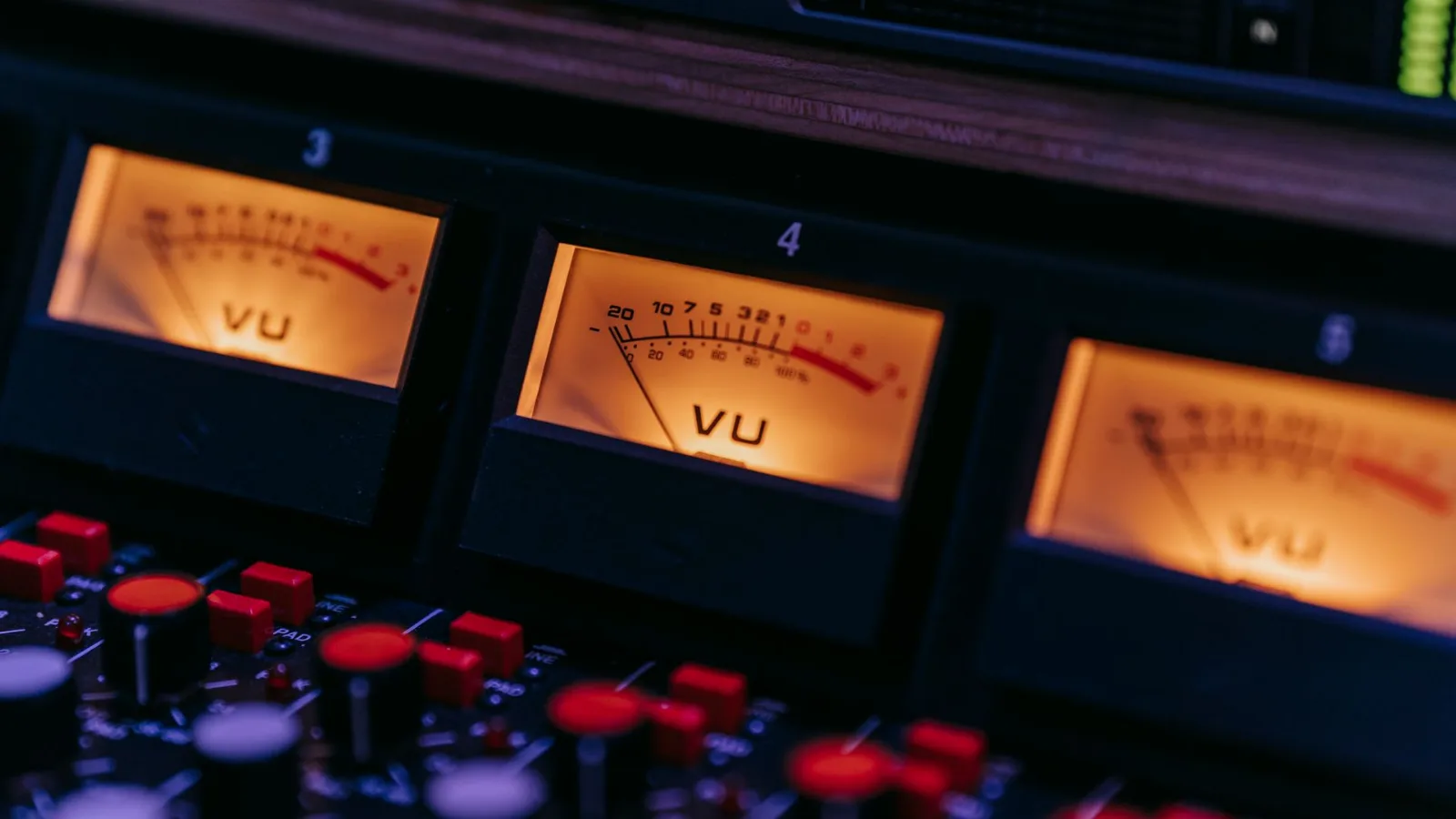
Radio drama has no picture, so the script carries a lot of sound direction. Write it the way you normally would, then split off a voicing script that contains only spoken lines. Here is the same scene both ways:
| Full script (for post) | Voicing script (paste into the workshop) |
|---|---|
| [SCENE: 2 a.m., a rented flat, rain lashing the window] | Narrator: At two in the morning, the rain sounded like it wanted to drown the whole building. |
| [SFX: thunder, approaching] | (removed, moved to the cue sheet) |
| Shen Mo (pressed to the door): Did you hear that? Someone's outside. | Shen Mo (pressed to the door): Did you hear that? Someone's outside. |
| [SFX: three knocks] | (removed, moved to the cue sheet) |
| Xu Ning (trembling): Don't open it. Please, don't. | Xu Ning (sobbing): Don't open it. Please, don't. |
| [MUSIC: low strings fade in] | (removed, moved to the cue sheet) |
A cue sheet can be a simple table: after which line, which effect, how long. Once the dialogue is generated, every line in the SRT has an exact timecode, so placing effects from the cue sheet is a matter of dropping markers rather than scrubbing back and forth.
Voices that work well for thriller, period and modern AI radio drama. Preview each one in the voice library before you assign roles.
Velvet · narrator
● Narrator · modern / thriller
Close-mic and unhurried; ideal for late-night narration that gets quieter as the tension builds.
Classic · folk tale
● Storyteller · period drama
A rhythmic storytelling voice for linking lines such as “And then he said…”.
Deep · commanding
● Male lead · dominant
Deep and imposing; strongest in arguments and stand-offs.
Mature · poised
● Female lead · composed
Measured and controlled; fits office, legal and detective leads.
Bright · playful
● Younger sister / best friend
Bright and youthful, with a wide range between crying and teasing.

Clear · energetic
● Young hero
Clear and energetic; suits coming-of-age arcs and fight scenes.
Warm · grounded
● Elder · police / father
Weighty and steady; the character who anchors the story.
Over-the-top · comic
● Comic villain
Exaggerated and funny; good for bumbling villains and loud sidekicks.
Narrator, leads and supporting roles each get their own voice, with no actor schedules to align and no pickups to chase.
Cold laughs, choked-up lines, shouting and whispers apply line by line. Other bracketed notes, such as “through the door”, travel with the line as delivery cues.
Each line is generated on its own and then joined in script order into one mono MP3, with every line peak-levelled, so you don't start post by riding the volume of each line.
Each SRT cue is one line of dialogue, timed to where it sits in the MP3. Use it to drop markers for effects and music.
If a line is read wrong, edit the text or emotion and regenerate only that line. Lines that fail to generate are refunded automatically.
For English, Japanese, Thai and other versions, each character keeps the same voice in every language, so listeners still recognise who is speaking.
Radio drama production takes more than one tool: AI Drama Voice for the voices, and a multitrack editor such as Audition or Reaper for post. These are the practical points when you bring AI dialogue into a session.
Each language exports as a single mono MP3 at 44.1 kHz. Lines follow the script order end to end with a short pause between them, and each SRT cue is one line of dialogue. In other words, you receive dialogue that is already edited and assembled, ready to sit on the dialogue track of your session.
Because the dialogue is mono, everyone starts dead centre. To let listeners hear who stands where, cut a character's lines onto a second track using the SRT times and pan it slightly left or right. Push distant voices back with a little reverb and a gentle high-frequency cut. Two or three moves like this are enough to open up a scene.
| Effect | How to do it in post | How to write it in the voicing script |
|---|---|---|
| Phone / walkie-talkie | Band-pass EQ keeping roughly 300–3400 Hz, optionally a touch of distortion | Write the line normally, note “over the phone” |
| Behind a door / wall | Low-pass filter, cut the highs, lower the level | Note “through the door” |
| Flashback / inner voice | Add reverb or a short delay to separate it from live dialogue | Write “Character (inner voice): …” |
| Shouting from afar | Lower level, more reverb, fewer highs | Tag the line “furious” or “excited” |
| Big set pieces | Layer ambience and effects, with music underneath | One narrator line to set the scene |
Tip
Check the licence of every music and sound-effect file. Libraries that state commercial use and attribution terms clearly save trouble when the drama is published, because platforms review more than just the voices.
Ask three questions: does it cast roles automatically, can it control emotion line by line, and does the export drop straight into post? A single-voice text-to-speech tool works for narration but not for a full cast. Tools that make you pick a speaker for every line get slow once the cast grows. AI Drama Voice drafts the cast list for you to adjust and exports MP3 plus a per-line SRT. For other multi-voice uses see multi-character dubbing, and for shaping delivery see the AI voice emotion guide.
Run your strongest conflict scene first. Once the cast and emotions feel right, generate the full episode and then the season.
Use one name per character throughout. If a role appears as both “Shen Mo” and “the hero”, it becomes two characters with two voices.
Give the narrator a voice unlike any character, such as a late-night radio tone for thrillers or a storyteller for period pieces. More casting ideas in the voice casting guide.
Split a line that laughs and cries into two lines with one tag each. It is far easier to control.
Gaps between lines are uniform. Where a thriller needs a held breath, stretch the gap in your editor rather than stacking ellipses in the script.
Tick several languages in the same generation and the same cast voices them all. Duplicate your session and swap the dialogue track.
Write the script and split off a voicing script with only dialogue and narration. Paste it into AI Drama Voice, adjust the cast and emotions, generate the episode and export MP3 plus SRT. Then add music and effects and mix in your audio editor. AI replaces the voice acting; post-production is still yours.
It depends on the job. For single-voice narration, ordinary text-to-speech is enough. For a full-cast drama, pick a tool that casts roles automatically, controls emotion per line and exports timing. AI Drama Voice drafts the cast, applies the emotion you mark in brackets to each line and exports MP3 plus SRT.
Usually two kinds: one for the voices (a recorder for human actors, or an AI tool such as AI Drama Voice) and a multitrack audio editor such as Audition or Reaper for editing, music, sound effects and the mix.
AI Drama Voice does not. It generates multi-character dialogue only, with no music, no sound effects and no mixing. Use the exported SRT timecodes to place music and effects in your editor.
A radio drama is driven by dialogue, with one voice per character and sound design that acts out each scene. An audiobook is driven by reading, usually one or a few narrators voicing the original text. To turn novel chapters into audio, see novel to audiobook.
Credits are charged by script length, and foreign versions also count the translation. Cast analysis is free and failed lines are refunded automatically. See pricing for plans.

Paste the voicing script, approve the cast and generate the episode. MP3 and SRT export together, ready for music, effects and the mix.
Billed by characters generated · Failed runs refunded automatically · Alipay, WeChat Pay and cards

