How Many Characters per Subtitle Line? Limits and a Free Checker
The most quoted limit on characters per subtitle line is Netflix's: 42 characters for English (US) and 16 for Simplified Chinese, two lines at most, one line whenever it fits. For reading speed, Netflix caps adult content at 20 characters per second in English and 9 in Chinese. China's national cinema subtitle standard sets no character count; it fixes the text height and the subtitle area instead, which works out at about 32 Chinese characters across a 1920×1080 frame. We found no public standard for vertical short dramas, but you can work the number out from the frame width and font size. The checker below takes an SRT, flags cues that are too long or too fast for the limits you choose, and splits them at punctuation in one click.
- Chinese, English, vertical presets
- Flags long and fast cues
- Split at punctuation
- Nothing uploaded
Updated Nov 5, 2026Fact-checked Nov 5, 2026
episode-01.en.srt
UTF-81
00:00:00,400 --> 00:00:06,900
The champagne tower is barely up when Nora opens her eyes — she's back on the day they framed her.
2
00:00:07,100 --> 00:00:11,800
Sign the share transfer, little sister. Everyone's waiting on you.
3
00:00:12,000 --> 00:00:15,700
Sign it? Maybe look at the big screen first, Vivian.
4
00:00:15,900 --> 00:00:22,000
The lights dim. On screen, security footage — Vivian tipping powder into Nora's glass.
5
00:00:22,200 --> 00:00:25,000
Turn it off! Who told you to play that?
Subtitle line length checker: add an SRT, pick a preset
Presets cover Chinese landscape, Chinese vertical and English; characters per line, maximum lines and the characters-per-second cap can all be changed. Cues over the limit turn red, and you can split them one by one or all at once, then export the SRT.
How the subtitle line length checker works, in four steps
Checking characters per subtitle line, reading speed and splitting all happen in your browser. Run a preset first, see what turns red, then decide whether to rewrite, split or relax the limit.
- 01
Upload or paste an SRT
Drag in an .srt or paste its contents. Every cue is measured by display width: Chinese characters and full-width punctuation count as 1, Latin letters, digits and half-width symbols as 0.5, so mixed lines are measured correctly too.
- 02
Pick a preset or set your own limits
The presets are Chinese landscape, Chinese vertical and English, and the tool shows the source of every preset value. You can also enter characters per line, maximum lines and maximum characters per second to match your platform.
- 03
Review the red cues
Cues that are too wide, have too many lines or read too fast are flagged separately. Reading speed is characters divided by the seconds the cue stays on screen: 14 Chinese characters shown for 1.2 seconds is about 11.7 per second, which is flagged as too fast.
Tip · A cue that reads too fast is usually on screen too briefly rather than too long. Check the timing before the text.
- 04
Split in one click, export the SRT
Splits go at punctuation (。!?,、;) first and at spaces otherwise, turning one cue into two and sharing the time by each part's length. A part shorter than 0.7 seconds is merged back; a sentence with no punctuation is cut by length and flagged for you to check. Then export the new SRT.
Characters per subtitle line: the published limits and their sources
Figures such as "37 characters" or "15 Chinese characters" circulate widely, often without a source. The table lists only numbers we checked against the original documents in November 2026.
| Guideline | Per line | Lines | Reading speed | Source |
|---|---|---|---|---|
| English, USA (Netflix) | 42 characters | 2 max | Adults 20 chars/s, children 17 | Netflix English (USA) style guide |
| Simplified Chinese (Netflix) | 16 characters | 2 max, one line when it fits | Adults 9 chars/s, children 7 | Netflix Simplified Chinese style guide |
| Simplified Chinese SDH (Netflix) | Up to 18 characters | 2 for dialogue, a 3rd for descriptors | Adults 11 chars/s, children 9 | Same page |
| All languages (Netflix general) | — | 2 max | Each cue on screen 5/6 s to 7 s | Netflix general requirements |
| Cinema vetting master, China (GY/T 288-2014) | No character count | Two speakers on two lines | None; at least 2 frames between cues | NRTA standard PDF |
The Chinese standard sets no count, but it implies a landscape maximum
GY/T 288-2014 sets dialogue subtitle height at 5% of the picture height (±1%), keeps the subtitle area at the bottom within 90% of the picture width, centres the text and discourages italics. On a 1920×1080 frame that means text about 54 pixels high and about 1,728 pixels of usable width; Chinese characters are roughly square, so a line physically holds about 32 of them. That is a ceiling of what fits, not a recommendation: nobody can read 32 characters before the cue is gone.
Vertical short dramas: work it out from the frame
We found no public standard for subtitle length in 9:16 vertical dramas, so here is a method you can verify yourself: characters per line ≈ usable width ÷ font size. A vertical frame is 1,080 pixels wide; leave 5% on each side and about 972 pixels remain. Latin letters are roughly half as wide as Chinese characters, which is why the checker counts them as 0.5, so the same width holds roughly twice as many English characters, depending on the font.
| Font size (1080-wide vertical frame) | Fits about | Feels |
|---|---|---|
| 54 px | 18 Chinese characters | Small; viewers lean in |
| 60 px | 16 Chinese characters | Matches Netflix's 16-character Chinese limit |
| 72 px | 13 Chinese characters | Large and bold; long lines wrap sooner |
Why vertical needs shorter lines
A vertical frame is narrow: at the same font size a line holds a little over half of what fits in landscape, and a second line covers the lower half of a face. Keep vertical subtitles to one line per cue, and split a cue that doesn't fit rather than wrapping it.

Characters per second in subtitles: width is only half the limit
A line can fit and still be unreadable. Reading speed, characters per second or CPS, measures whether viewers have time to finish a cue.
Reading speed = the cue's characters ÷ the seconds it stays on screen. Netflix caps adult content at 20 characters per second in English and 9 in Chinese. Compare that with speech: the voice-over length calculator uses 150 English words a minute as its standard pace, roughly 13 to 15 characters a second including spaces, and 250 Chinese characters a minute, about 4.2 a second. Subtitles shown for the real length of the spoken line therefore usually stay under the cap; a cue that reads too fast has normally been cut short, or has two lines of dialogue squeezed into it.
| Cue | Characters | On screen | Reading speed | Verdict |
|---|---|---|---|---|
| Sign it? Maybe look at the big screen first. | 44 | 2.9 s | about 15 chars/s | Fine for speed, too wide for one 42-character line |
| You think this party was thrown for you? | 40 | 1.5 s | about 27 chars/s | Too fast: show it longer or cut words |
| 签?姐姐不如先看看大屏幕。 | 13 | 2.47 s | about 5.3 chars/s | Fine on both counts |
Duration has limits at both ends: Netflix's general requirements keep each cue on screen for at least 5/6 of a second and no more than 7 seconds. A long line spoken at a normal pace easily runs past 7 seconds, so a long line isn't only too wide, it also stays up too long in a single cue; splitting it is the only fix. The checker merges back any part shorter than 0.7 seconds for the same reason, so nothing flashes past.
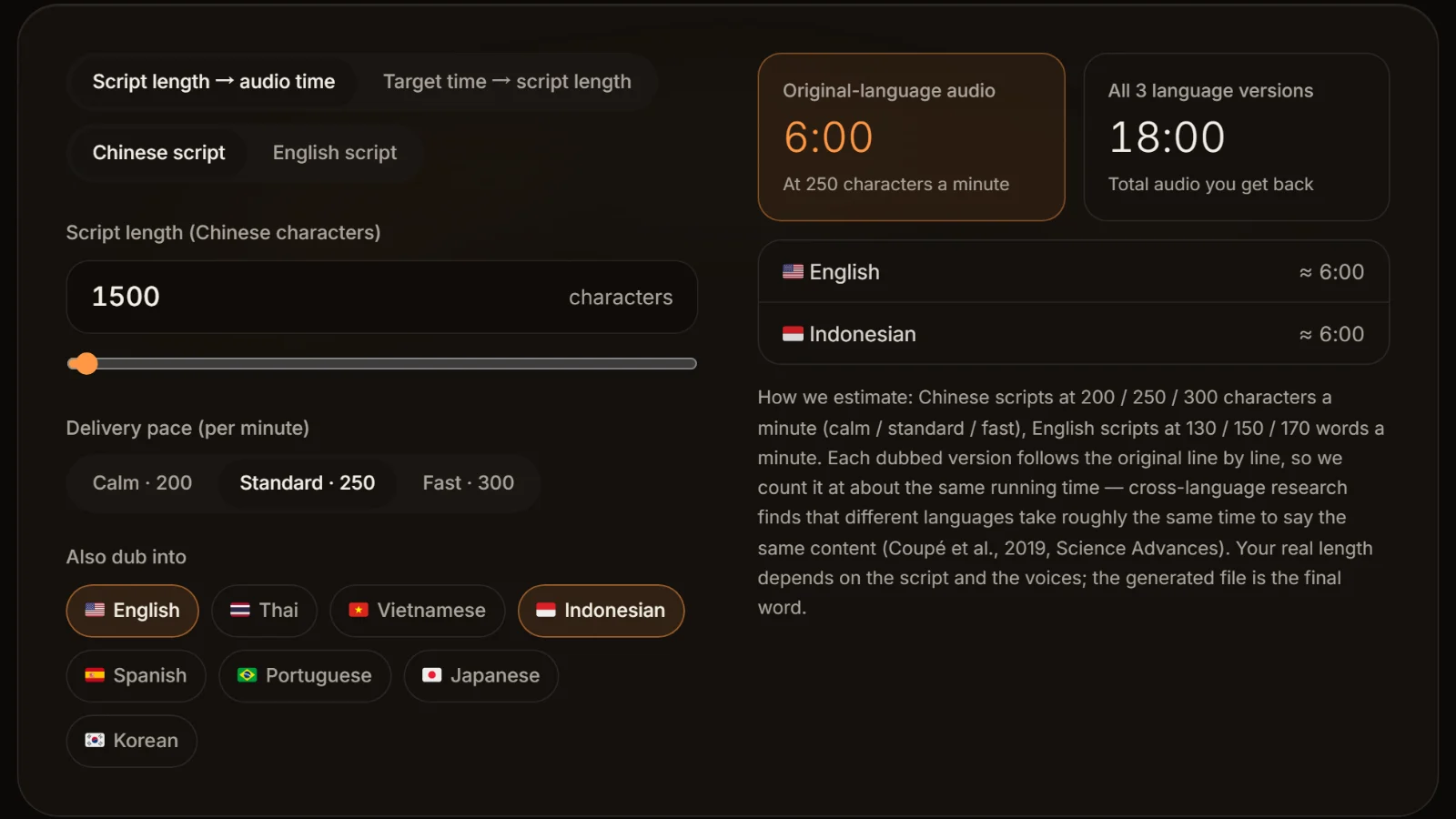
How to split long subtitles so they still read naturally
The splitter only cuts at punctuation and spaces; whether the result reads well depends on these rules.
Break at punctuation first
After a comma, semicolon or full stop is the most natural break. "Sign the share transfer, little sister, everyone is waiting downstairs" splits cleanly after "little sister,".
Never split a phrase that belongs together
Netflix's general rules: don't separate an article from its noun, an adjective from its noun, a first name from a last name, or a subject pronoun from its verb.
Break before conjunctions and prepositions
When there is no punctuation, put the break before "and", "but", "because", "to" or "with", never after them.
Bottom-heavy when you must wrap
Netflix's Chinese guide prefers a bottom-heavy pyramid: if a cue has to take two lines, make the top one slightly shorter, but don't leave just a word or two up there.
Two speakers, two lines
When two people speak in one cue, give each a line; Netflix's Chinese guide marks each speaker with a hyphen without a space, and China's cinema standard also puts simultaneous speakers on two lines.
Pick one punctuation style for Chinese
Netflix's Simplified Chinese guide drops commas and full stops and uses a single space instead, while question marks are required. In that style there are fewer punctuation breaks, so the splitter falls back to spaces.
Why a dubbed SRT deserves a line length check
The SRT AI Drama Voice exports has one cue per script line, starting and ending where that line sits in the MP3. The timing is exact, but a cue is as long as the line in the script.
- One script line becomes one cue, and the export joins its text into a single line; nothing wraps or splits automatically. A 27-character line in the script is a 27-character cue.
- So run the exported file through the vertical preset here and split whatever is too long; time is shared by length, so the halves still match the dub.
- Foreign-language subtitles usually run longer than Chinese. English is measured against 42 characters per line, and the same line overflows more easily in English, so check each language separately.
- Easier still, shorten long lines in the script: the long-line split in TXT to SRT shows which lines won't fit on one screen before you dub, so every dubbed line starts out short.
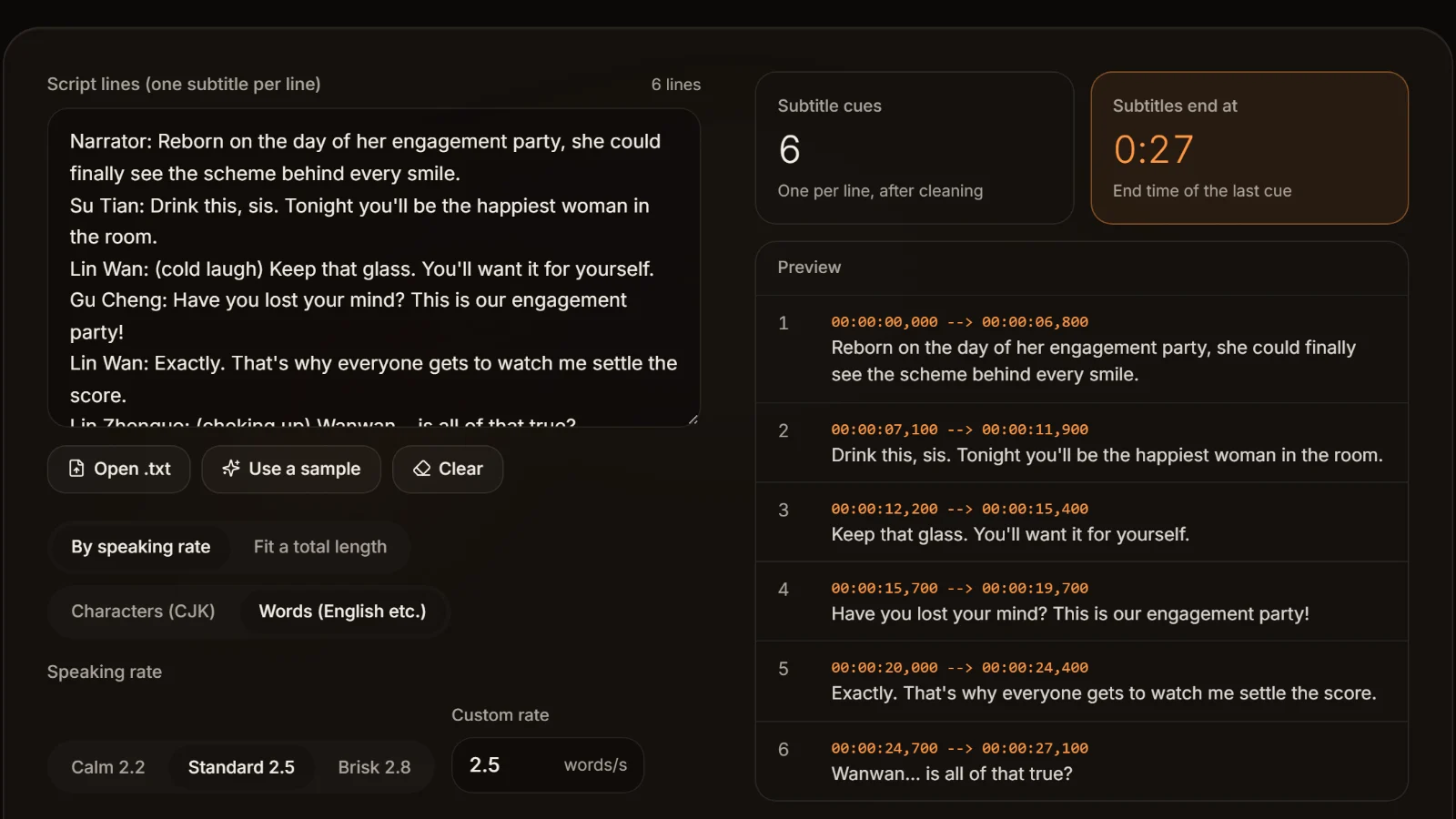
Once the lines are short, a bilingual version can be built with the bilingual subtitle merger, pairing by cue number; a bilingual cue has at least two lines, so keeping each language to one line first stops the merged file from covering the picture. If the whole track is out of sync with the voice, fix it with the SRT time shift tool before checking.
Frequently asked questions
The public reference is Netflix's Simplified Chinese guide: 16 characters per line, two lines at most, one line whenever it fits. That works for landscape; vertical frames are narrow, so keep to one line and split a cue that doesn't fit.
We found no public standard for vertical dramas. Working from the frame: on a 1080-pixel-wide vertical video with side margins, a 60-pixel font fits about 16 Chinese characters and a 72-pixel font about 13. Confirm on an exported frame and check with the vertical preset.
Netflix's English (USA) style guide allows 42 characters per subtitle line and two lines, with adult reading speed up to 20 characters per second. Spaces and punctuation count as characters.
By Netflix's guides, more than 20 characters per second for adult English content, 17 for children's; for Simplified Chinese, more than 9 for adults and 7 for children. Subtitles timed to real speech usually stay well below that.
Break after punctuation, before conjunctions and prepositions, and never between an article and its noun or a first and last name. If you must wrap, make the top line shorter; two speakers get a line each. The splitter cuts at punctuation first, so read the result once.
There is no single rule; consistency across the show matters most. English subtitles keep normal punctuation. Netflix's Simplified Chinese guide drops commas and full stops in favour of a space, while question marks are required. AI Drama Voice keeps the punctuation of your script in its exported subtitles.








Let the dub set the timing and the script set the length Short lines, exact timings.
Paste an episode, let AI cast and voice every line, and get an SRT with one cue per line timed to the audio. Cast analysis is free.
Billed by characters generated · Failed runs refunded automatically · Alipay, WeChat Pay and cards