
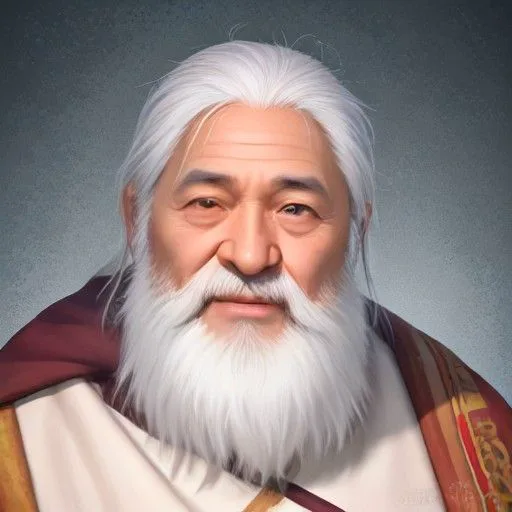
Young Hero
Clear · energetic
● Hero · young swordsman
Clear and energetic: calm when he's mocked, furious when he snaps, and the contrast does the rest.
YouthMale9 languages
AI game voice acting usually stalls on one detail: a game wants one audio file per line, and voice tools hand you one long take. AI Drama Voice solves it in two steps. First, voice a whole scene in the dubbing studio — every character keeps one voice, every line gets an emotion, and the same cast can speak Japanese, Chinese and six more languages — and export the MP3 plus a line-timed SRT. Then drop both files into the free split audio by subtitles tool, which cuts the MP3 along the subtitle timings into one file per line and zips them up. To be clear: the studio itself doesn't export per-line files, and there are no engine plugins, no lip-sync, no children's voices and no voice cloning.
Updated Nov 6, 2026Fact-checked Nov 6, 2026
Sample B · The sweeper who shook the sect
English · Script excerpt · 5 characters
Narrator
The Azure Cloud Sect tournament roars around the arena. Ye Chen, who swept leaves for three years, steps up with a bamboo sword.

Xiao LingSarcastic
A yard sweeper thinks he can stand against me?

YunyaoWhisper
Brother Ye, don't push it... he's the best in the inner sect.
Ye ChenCalm
Three years of sweeping. I only practiced one strike.
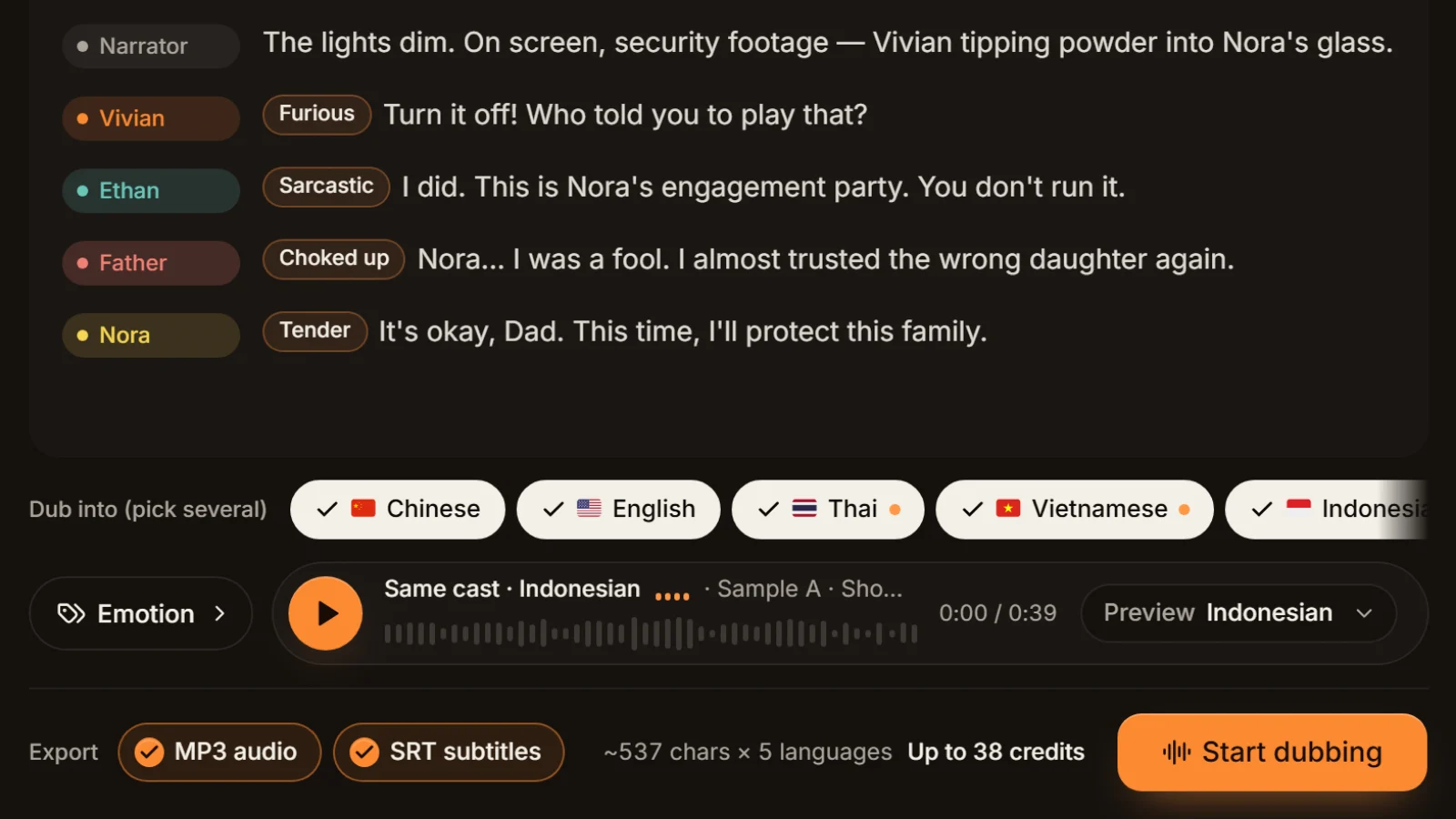
The studio opens on a fantasy cutscene: a narrator sets the scene and four characters trade lines, much like an RPG story sequence. Click Edit script, paste a scene from your game, then Find roles to see the voice each character gets — this costs no credits.
In AI game voice acting with AI Drama Voice, the first four steps happen in the dubbing studio and the fifth in a free browser tool that never uploads your files.
Step 1
Pull one scene from your dialogue sheet or script, one line per row, in the order the game plays it. System messages and opening narration get their own rows, written as “Narrator: …”.
Tip · If your sheet has line IDs, note which row number maps to which ID — you'll need it later.
Step 2
In the dubbing studio, click Find roles. Each character gets a voice, and the same name always means the same voice. NPC names like Guard or Merchant carry no gender hint and are assigned at random, so swap them with the button beside the name.
Step 3
Click a line to pick one of eight emotions — furious for battle cries, whisper for an inner thought. Tick your source language and add Japanese, Chinese or others for localised versions. Failed lines are refunded and can be regenerated alone.
Step 4
Download one MP3 and one SRT per language, or a ZIP with every language. Each SRT cue is exactly one line of your script.
Step 5
Open split audio by subtitles, add the MP3 and SRT of one language, choose to split by subtitles, and pick MP3 or WAV output. Files are named with a three-digit number plus the start of the line, come with a CSV list, and download as a ZIP.
Tip · The tool runs in your browser: no credits, no sign-up.
The two steps line up because the studio records where every line sits in the SRT as it exports.
Each line is synthesised on its own, then joined in order into one MP3 with 0.35 seconds of silence before every line. Each SRT cue starts where its line begins and ends where it finishes. Splitting by subtitles therefore cuts inside the silent gaps, never through a word. The split tool also snaps each cut to the quietest point nearby and can pad every clip with 0–500 ms of silence.
| Script row | SRT cue | Split file | Your dialogue sheet |
|---|---|---|---|
| Row 1 · Narrator: The Azure Cloud Sect tournament… | Cue 1 | 001_… | 1 → opening narration |
| Row 2 · Xiao Ling (sarcastic): A yard sweeper… | Cue 2 | 002_… | 2 → Xiao Ling's line ID |
| Row 3 · Yunyao (whisper): Brother Ye, don't push it… | Cue 3 | 003_… | 3 → Yunyao's line ID |
| Row 4 · Ye Chen (calm): Three years of sweeping… | Cue 4 | 004_… | 4 → the hero's line ID |
Four conditions for the numbers to line up
Every line generated successfully (regenerate failed ones before exporting); one line per row; no row over 600 characters (longer narration is split into several lines and shifts every number after it); no rows of punctuation only (a row that is just “…” is skipped). The split tool also merges cues shorter than 0.2 seconds into a neighbour, so compare the file count with your row count afterwards.
Localised versions work the same way. The studio translates and voices line by line, so cue 5 in Japanese is the same line as cue 5 in English, and the split files match one to one; put each language in its own folder in the engine.
You get plain MP3 or WAV files and a CSV — no plugin for Unity, Unreal, Godot, Ren'Py or RPG Maker — so import them the way your engine expects. Visual novel engines usually attach one voice file to each line of dialogue: in Ren'Py, the voice statement names the file to play with the next line, and its automatic voice feature can pick files named after each line's identifier (see the Ren'Py voice documentation). RPGs and action games usually bind audio to line IDs, so rename the files to those IDs and import them in bulk. If you're unsure what your engine accepts, choose WAV in the split tool.
Here is a cast sorted by common game roles; the roles are our suggestions. The first eight speak all nine languages; the last two are native voices that speak one language only.
Clear · energetic
● Hero · young swordsman
Clear and energetic: calm when he's mocked, furious when he snaps, and the contrast does the rest.
Bright · playful
● Party member · heroine
Bright and playful, good for a chatty companion or a romance route.

Bold · wuxia
● Mentor · wandering swordsman NPC
Bold and weighty, carries quest briefings and lore.

Cold · villainous
● Villain · dark queen
Cold and poised; cold laugh and sarcastic tags give her real menace.

Over-the-top · comic
● Boss minion · comic villain
Over-the-top and funny, made for “Hmph, I'm not scared of you!”

Lively · anime
● Pet · chatty sidekick
Lively and quick, the companion who quips and drops hints.
Classic · folk tale
● Opening narrator · storyteller
A classic storyteller's delivery for chapter intros and world lore.

Crisp · broadcast
● System messages · quest alerts
Crisp and neutral, ideal for “Item obtained” and “Quest complete”.

Japanese · anime
● Japanese-only · energetic heroine
Hina speaks Japanese only, for otome games and visual novels released in Japanese.

British · gentleman
● English-only · butler NPC
Arthur, a British gentleman who speaks English only, suits butlers, scholars and court officials.
Games heading for Steam or overseas stores often need several languages at once. Tick them in one run and each character keeps one voice in every language.
English · English
Settle the cast for your source language and every other language follows it. Voice one test scene, confirm the hero and the villain, then generate the remaining scenes.
Japanese · 日本語
Each line is rewritten as spoken Japanese, with forms of address such as -san and -sama adapted to the relationship, and performed by the same cast. For a Japanese-only release you can switch the heroine to a native Japanese voice. More on Japanese in Japanese dubbing.
Korean · 한국어
Lines are rewritten as spoken Korean, with sibling and senior forms of address such as 오빠 and 언니 used the way Korean players expect, and kept close to the original length so cutscene timing holds.
Within a scene a character name always keeps its voice; the hero never turns into someone else halfway through.
Eight emotions tagged line by line: battle cries, whispered plots and tearful goodbyes each get their own delivery.
Each line is peak-normalised to about −1 dBFS on export, so per-line files don't jump in volume in game.
Add Japanese, Korean, Chinese and more; each language gets its own MP3 and SRT, numbered to match the source.
Casting, recasting and tagging are free; generation is charged by characters, and failed lines are refunded.

Story scenes and NPC conversations in RPGs and adventures, voiced scene by scene, split into per-line files and imported by line ID.
Lots of dialogue and a fixed cast: voice the source version, tick Japanese, and one cast performs both.
Before human actors are booked, put an AI pass in the build to test cutscene pacing and subtitle length, then decide which roles to recast with people.
Voice the same script in Japanese, Korean, Spanish and more in one run — handy for testing a few scenes with overseas players first.
Within one run, a character name always keeps the same voice. The studio doesn't remember casting between runs — each run is analysed on its own — so across scenes and chapters, keep a cast sheet and set each character to its voice before every run. The same voice is the same person, but delivery changes with each line and emotion; it isn't a replay of one recording. The full method is in consistent character voices.
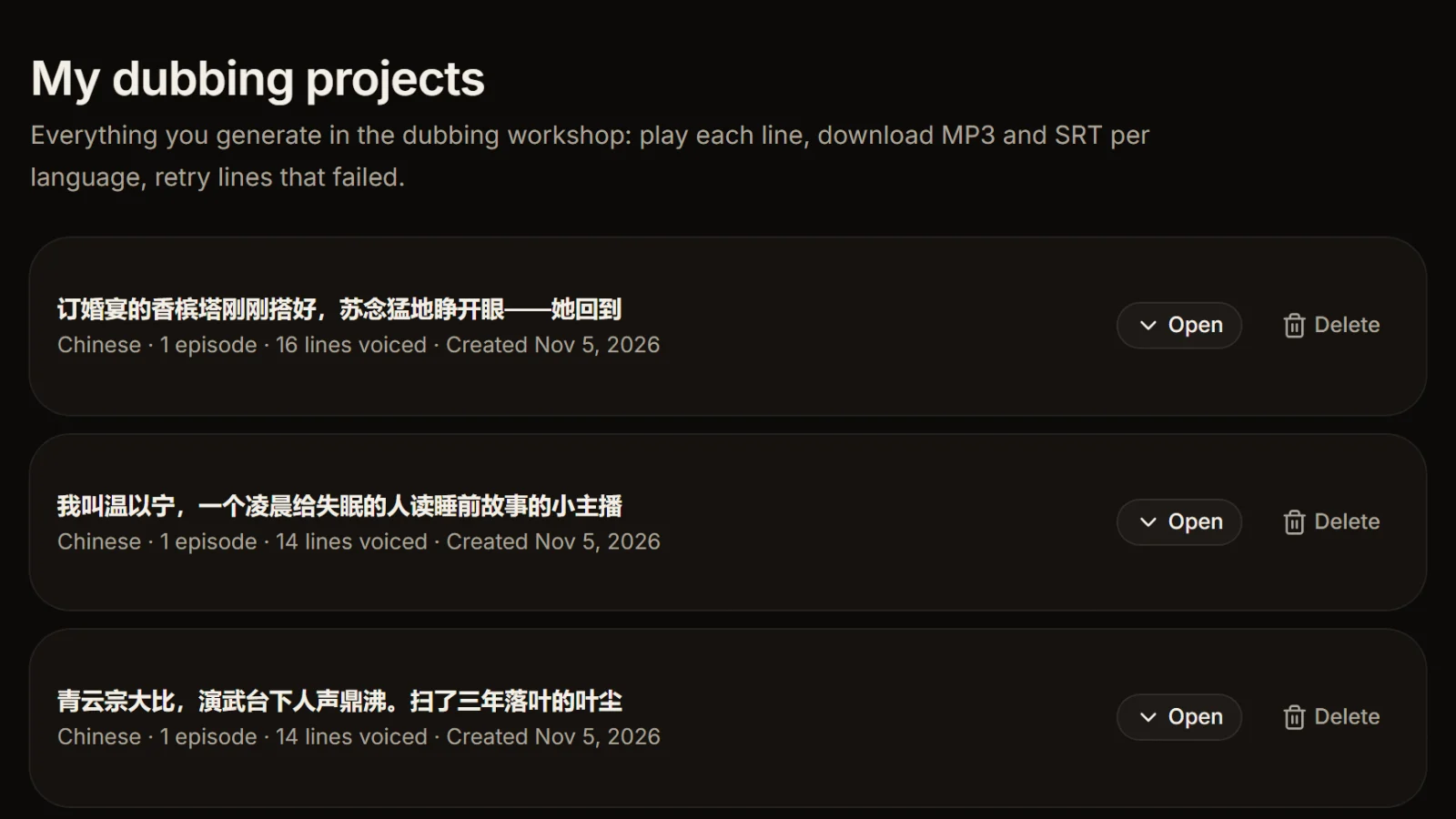
Paste just that line, with its speaker name, into the studio, set the same voice from your cast sheet, generate, split it, and replace the old file — no need to redo the scene. That one line is charged by its own characters.
Whether you can ship the voices in a game you sell, and what to watch for, is covered in can you use AI voiceover commercially. Read it before release.
One scene or chapter per run, within 8,000 characters and 400 lines. Small batches keep the numbering easy.
“Guard 1” and “Guard 2” become two characters with two voices; call them all “Guard” if every guard should sound the same.
If a “Hah!” or a groan should be heard, write it in; tags change delivery, they don't add sounds. Very short grunts may get merged into a neighbouring clip by the split tool.
Before batch generation, voice one scene with the hero, the villain and an NPC, play it in game, and check voices and levels.
Give your dialogue sheet a “generation number” column matching 001, 002…; renaming and importing both depend on it.
Before shipping Japanese or Korean, have a native speaker check names, skill names and forms of address.
Yes. Write the story dialogue as “Name: line”, paste it into the dubbing studio, give each character a fixed voice and tag each line's emotion, and you get the whole scene voiced with line-timed subtitles. It suits story dialogue and NPC conversations; lip-sync, children's voices and voice cloning are out of scope.
Yes, in two steps: the studio exports the full MP3 and a line-timed SRT, and the free split audio by subtitles tool cuts it into one file per line, with a CSV list, as a ZIP. The studio itself doesn't export per-line files.
Within one run, the same name always keeps the same voice. The studio doesn't remember casting between runs, so keep a cast sheet and set the same voices before each run to stay consistent.
Yes. Tick Japanese when generating and each line is rewritten as spoken Japanese, performed by the same cast; for a Japanese-only release you can switch to native Japanese voices. Korean, Chinese, Thai, Vietnamese, Indonesian, Spanish and Portuguese are available too.
The split files are plain MP3 or WAV plus a CSV; AI Drama Voice has no engine plugins. Visual novel engines usually attach one voice file per line and RPGs bind audio to line IDs, so rename the files from your dialogue sheet and import them in bulk.
Commercial scope and what to watch for are covered in can you use AI voiceover commercially. Please read it before you ship.
No. The youngest voices in the library are teen voices such as Young Hero and Sweetheart, not children, so child characters can't be voiced for now.


Voice the whole scene in the studio, split it by subtitles with the free tool, and ship English, Japanese and more together.
Billed by characters generated · Failed runs refunded automatically · Alipay, WeChat Pay and cards
