Fix Garbled SRT Subtitles: Detect the Encoding, Save as UTF-8
Garbled SRT subtitles almost always come from an encoding mismatch: the file was saved in one encoding and the program reads it as another. Drop the broken .srt into the tool below and it decodes the same bytes as UTF-8, GBK, Big5 and UTF-16, shows the results side by side with a readability score for each, and lets you pick the one that reads correctly. Then save it as UTF-8, with a BOM if you like, and import it into CapCut, Premiere Pro or your player. The tool doesn't guess on your behalf, you confirm; and the file is processed in your browser, never uploaded.
- 4 encodings side by side
- UTF-8, BOM optional
- Batch files
- Nothing uploaded
Updated Nov 5, 2026Fact-checked Nov 5, 2026
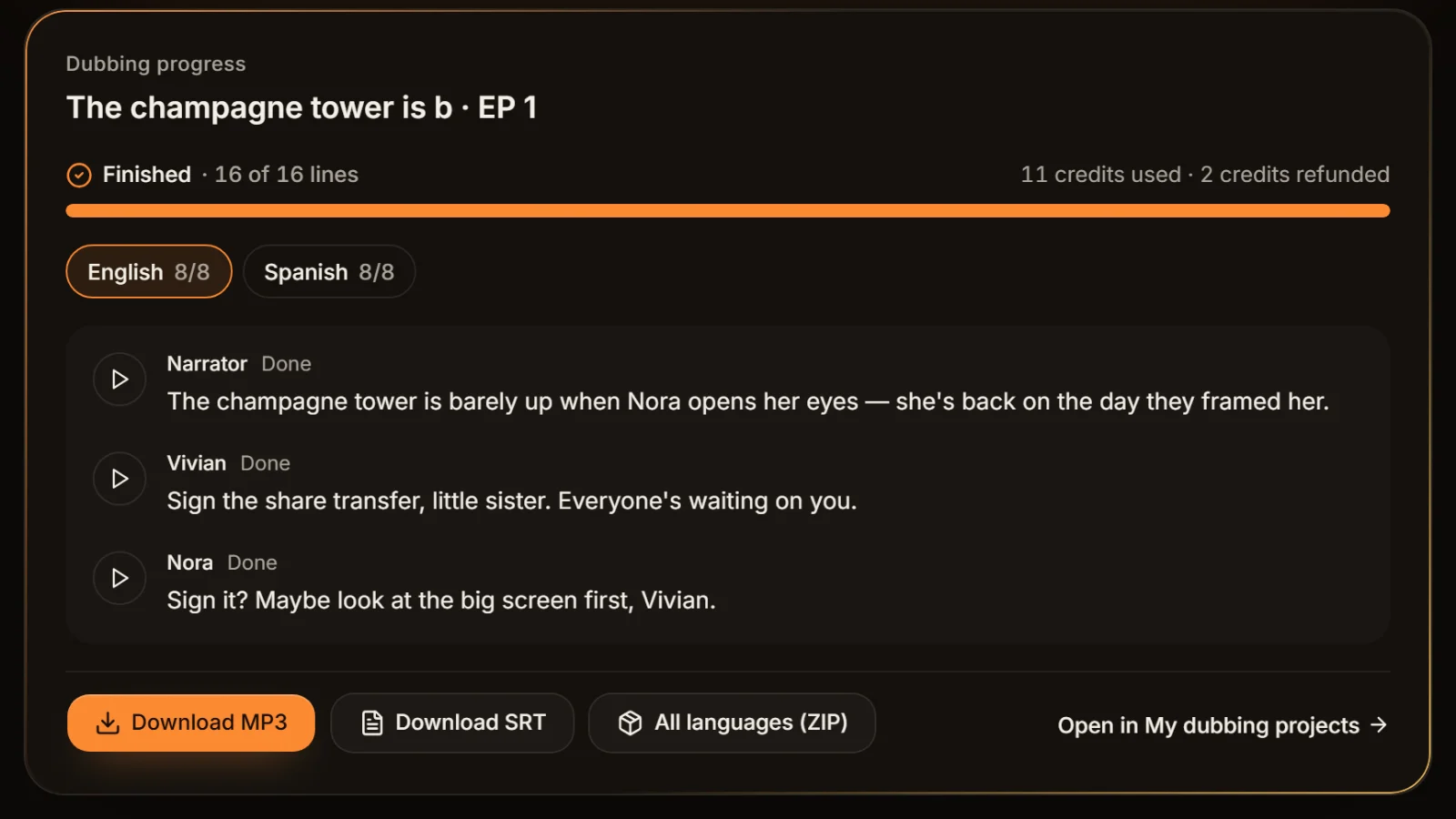
episode-01.en.srt
UTF-81
00:00:00,400 --> 00:00:06,900
The champagne tower is barely up when Nora opens her eyes — she's back on the day they framed her.
2
00:00:07,100 --> 00:00:11,800
Sign the share transfer, little sister. Everyone's waiting on you.
3
00:00:12,000 --> 00:00:15,700
Sign it? Maybe look at the big screen first, Vivian.
4
00:00:15,900 --> 00:00:22,000
The lights dim. On screen, security footage — Vivian tipping powder into Nora's glass.
5
00:00:22,200 --> 00:00:25,000
Turn it off! Who told you to play that?
Fix garbled SRT subtitles: drop the file, pick the readable one
Drop several subtitle or text files at once, up to 10 MB each. Every decoding and its score sit side by side; choose one and download the UTF-8 version.
How to convert SRT to UTF-8 in four steps
Fixing garbled SRT subtitles needs no install and no encoding theory. Keep a copy of the original; the fixed version downloads as a new file.
- 01
Drop in the garbled file
Drag in an .srt or any other subtitle or text file, several at once if you like, up to 10 MB each. If the file starts with a BOM, the tool recognises UTF-8 or UTF-16 from it first.
- 02
Compare the decodings and their scores
The same file is decoded as UTF-8, GBK, Big5 and UTF-16 and the results are shown side by side. The score weighs two things: how many replacement characters (�) appear and how much of the text is common Chinese characters. The top score is usually right, but check with your own eyes.
Tip · Names and everyday words are the quickest test: pick the column where they read naturally.
- 03
Choose the one that reads correctly
Select the readable column. If only a handful of lines look wrong, two subtitle sources were probably pasted into one file; the tool marks the suspect lines so you can check just those.
- 04
Save as UTF-8
Download the converted file in UTF-8. For older Windows software, tick "with BOM" and "CRLF line endings"; for web players and scripts, keep the default without a BOM.
Weird characters in SRT subtitles: read the cause from the symptom
Each kind of mismatch leaves its own fingerprint. The examples below were produced by running real text through the wrong decoder; the originals are 你好 ("hello"), 我回来了 ("I'm back"), "Qué" and "I’m".
| What you see | Example | What happened | Recoverable? |
|---|---|---|---|
| Accented Latin letters where punctuation or accents should be | Qué, I’m | A UTF-8 file read as Windows-1252 by Western software | Yes: pick UTF-8, save with a BOM |
| A run of rare Chinese characters that makes no sense | 浣犲ソ (from 你好) | A UTF-8 file read as GBK | Yes: pick UTF-8 |
| Question marks or black diamonds (�) | ��� | A GBK ("ANSI") file read as UTF-8 | Yes: pick GBK |
| Real-looking Traditional characters, no sense at all | 扂隙懂賸 (from 我回来了) | A GBK file read as Big5 | Yes: pick GBK |
| Spaces or boxes between every character, digits one apart | 1 0 0 : 0 0 : 0 1 | A UTF-16 file read as a single-byte encoding | Yes: pick UTF-16 |
| Strings of 锟斤拷 | 锟斤拷锟斤拷 | Bytes replaced by � and saved, then read as GBK | Usually not |
| Junk only at the very start of line 1 | 1 | A program that doesn't understand the UTF-8 BOM shows it as text | Yes: save UTF-8 without a BOM |
UTF-8, GBK, Big5 and UTF-16 in one paragraph each
- UTF-8: today's default for the web, phones and most new software. One file can hold Chinese, English, Thai and Japanese at the same time.
- GBK (and its extension GB18030): the legacy encoding of Simplified Chinese Windows, labelled "ANSI" in Notepad and many older programs. Many old Chinese subtitle downloads use it.
- Big5: the legacy encoding for Traditional Chinese, common in older subtitles from Taiwan and Hong Kong.
- UTF-16: at least two bytes per character, called "Unicode" in older versions of Windows Notepad. Plain letters and digits carry a zero byte, which is why a single-byte reader shows every other character.
- This tool offers those four decodings only. Other legacy encodings, such as Windows-1252 for Western European languages or Windows-874 for Thai, are not among them; re-save such files as UTF-8 in a text editor that lets you choose the encoding.
UTF-8 with or without a BOM
The BOM is three bytes at the start of the file (EF BB BF) that announce "this is UTF-8". Plenty of Windows software relies on it; without it, a Chinese-locale program falls back to GBK and you get garbled SRT subtitles. Some strict programs do the opposite: they treat the three bytes as text, so cue 1 loses its number or line 1 starts with "". Use a BOM for CapCut, Premiere Pro and Windows players; leave it off for web players, command-line tools and code. The SRT that AI Drama Voice exports is UTF-8 with a BOM and CRLF line endings.
Encoding settings in common programs
| Program | Where encoding comes in | Advice |
|---|---|---|
| Windows Notepad (Windows 11) | The Encoding list at the bottom of Save As: ANSI, UTF-16 LE, UTF-16 BE, UTF-8, UTF-8 with BOM | Save only when the text already displays correctly, or the garbage gets saved too |
| CapCut desktop / Jianying Pro | Chinese subtitles are safest prepared as UTF-8; UTF-8 with a BOM imports directly | Convert before import; steps in the CapCut sync guide |
| Premiere Pro | A GBK ("ANSI") SRT is the most common source of garbled captions after import | Convert to UTF-8 with a BOM, then import |
| VLC | Preferences → Subtitles/OSD → Default encoding lets you pick GBK, Big5 and others | Affects VLC playback only, not the file |
Why double-garbled files like 锟斤拷 are usually lost
In every case above, the original bytes are still there and were merely read the wrong way, so reading them the right way restores the text. 锟斤拷 is different: the bytes themselves were changed.
It happens like this. A GBK subtitle is opened by a program that assumes UTF-8; every byte it can't make sense of becomes the replacement character �. Someone presses Save, and the file is written as UTF-8 full of �. When another program later reads it as GBK, each pair of � bytes turns into 锟斤拷. We ran 你好,姐姐 ("Hello, sister") through exactly that chain and got 锟斤拷茫锟斤拷锟斤拷; nothing in that string points back to the original words. The same thing happens in Western text, where é read wrong twice becomes é, although that case can often still be reversed step by step in a specialised text tool (not this one).

- Look for an older copy first: cloud drives, chat attachments, the folder next to the editing project.
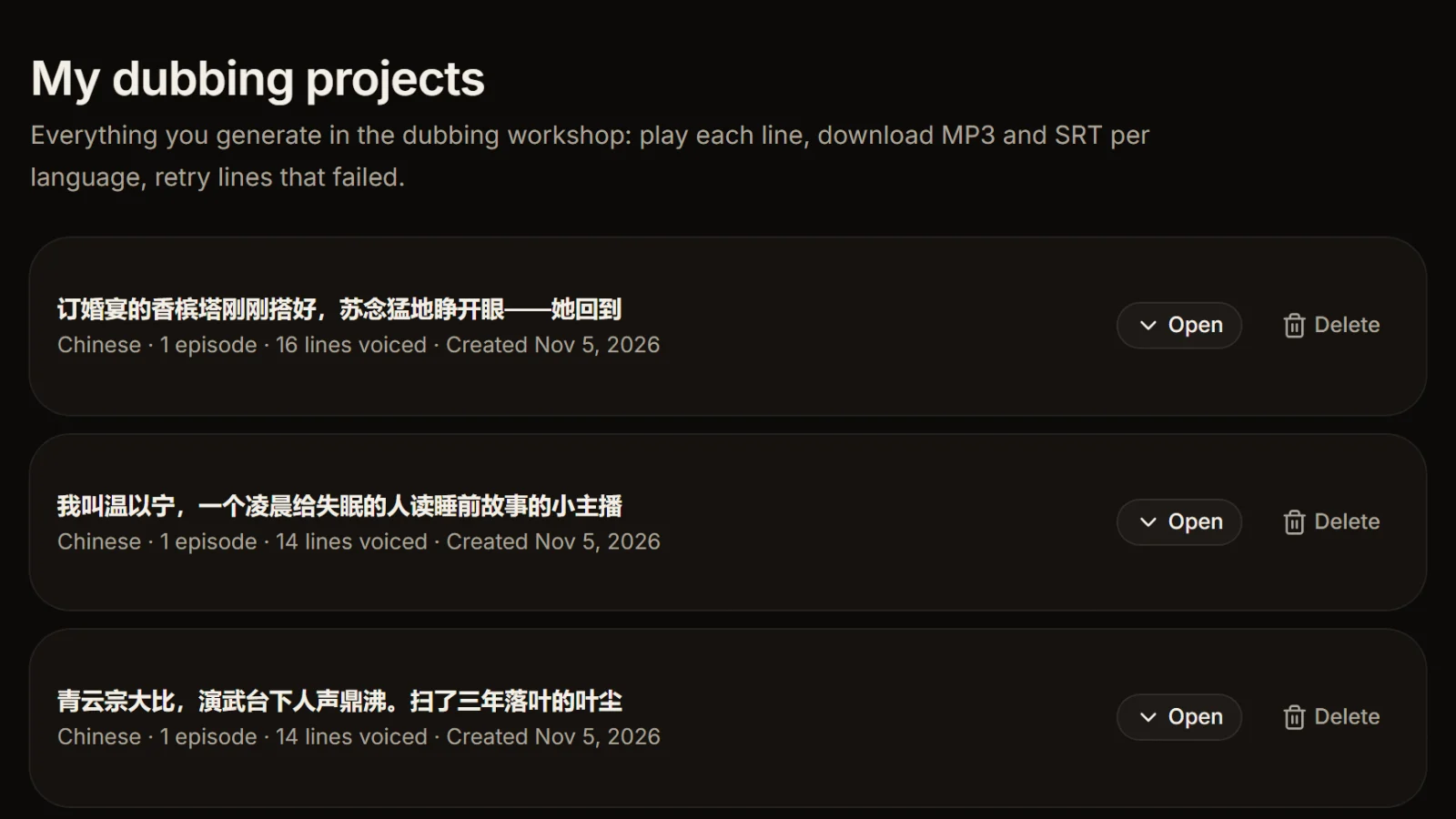
- If the subtitles came from your own dub, download them again from My dubbing projects.
- If all you have is the script, rebuild the subtitles with TXT to SRT, or export them again with a new dub.
- From now on, copy the original before editing, and only save once the text displays correctly.
Saved as UTF-8 in Notepad and still garbled?
Most likely Notepad already displayed the file wrongly when it opened it, and saving simply stored the garbage as UTF-8, which is itself a double-garbling. The right order is: find the encoding that reads correctly in this tool, then save.
Six habits that prevent garbled SRT subtitles
Deliver UTF-8, always
Between team members and to platforms, send UTF-8. Keep an extra copy with a BOM for older Windows software.
Don't open SRT files in Excel
Spreadsheets rewrite line breaks and encodings by their own rules, and saving can break both. For a table, export CSV with SRT to TXT.
Back up before you edit
Garbled SRT subtitles can be rescued as long as the original bytes survive. Copy the file before any edit so you can always start over.
Traditional sources: try Big5 first
For older subtitles from Taiwan or Hong Kong, look at the Big5 column first; for older Simplified Chinese ones, the GBK column.
Boxes aren't always encoding
Thai, Vietnamese or Korean showing as boxes usually means the font lacks those characters. Changing the caption font in CapCut or Premiere works better than converting again.
Do a whole season at once
Drop in every episode, confirm each encoding and download them all as UTF-8; importing into CapCut and retiming later get easier.
Frequently asked questions
Almost always an encoding mismatch: the file was saved as GBK, Big5, Windows-1252 or UTF-16 and the program reads it as UTF-8, or the other way round. Less often the file was saved wrongly at some point (锟斤拷), or the font lacks the script (boxes).
Usually the file isn't UTF-8. Drop it into this tool, pick the encoding that reads correctly, tick "with BOM" and save as UTF-8, then import into Premiere. If only Thai or Korean show as boxes, choose a caption font that covers that language.
With a BOM for CapCut, Premiere Pro and Windows players, which then recognise UTF-8 more reliably; without one for web players, command-line tools and code, so line 1 doesn't start with junk. If unsure, try the BOM version first.
Notepad most likely misread the encoding when it opened the file, and saving stored the garbled text as it was. Go back to the untouched original, find the encoding that reads correctly here, and convert that; if the original was overwritten, only a backup can help.
In most cases, no. 锟斤拷 means the original bytes were replaced by replacement characters and then saved, so the information is gone. Find an earlier copy, download the file again, or rebuild the subtitles from the script.
They shouldn't be: AI Drama Voice exports UTF-8 with a BOM and CRLF line endings, which CapCut and Premiere Pro read directly. If one is garbled, it was probably re-saved in another program; boxes in Thai or Korean point to the font. You can also download it again from My dubbing projects.








Avoid garbling at the source: export voice and subtitles together UTF-8 out of the box.
Paste an episode, let AI cast and voice every line, and download each language's MP3 with UTF-8 subtitles in one go. Cast analysis is free.
Billed by characters generated · Failed runs refunded automatically · Alipay, WeChat Pay and cards